Areas
The rectangles a workspace is made of: resize, split, join and swap them.
A workspace is divided into areas: rectangles that each hold one editor. Areas can be resized, split into two, joined back together and swapped, so you can shape every workspace the way you work.
Resizing areas
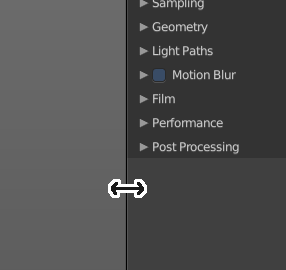
Move the mouse over a border between the editors. The mouse cursor will turn into a double arrow. Drag the arrow around and the editor will resize with your moving mouse.
In the Default layout there are two editors that are collapsed to just show the menu. The menu bar at the top is an own editor. The Info editor. You can drag it down to reveal a text field. Here Bforartists displays all the former actions as strings. When you create a primitive for example, then it displays a string with the python command for it.
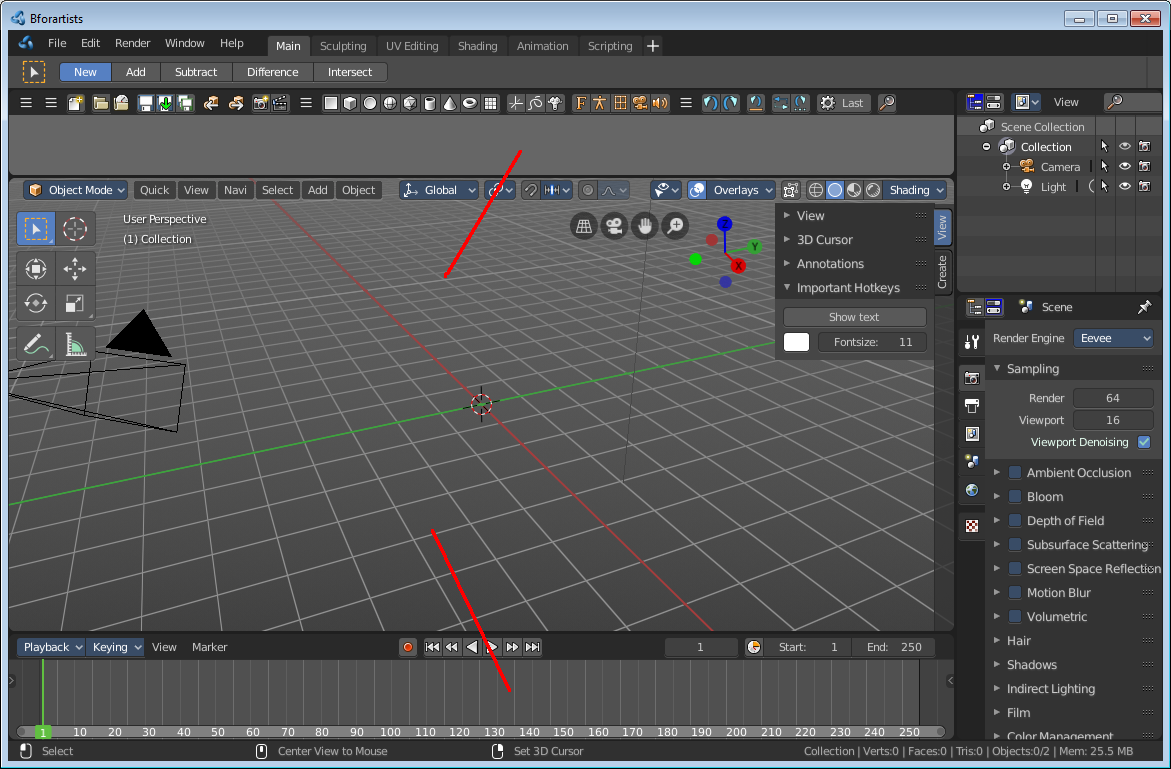
The other collapsed editor is at the bottom. The timeline.
Splitting areas
When you move the mouse over the upper corner of an editor window, then the mouse pointer turns into a white cross.
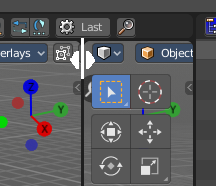
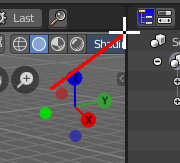
When you click and drag the mouse inwards of the current editor, then the editor splits up. You open a second 3D view for example.
Joining areas
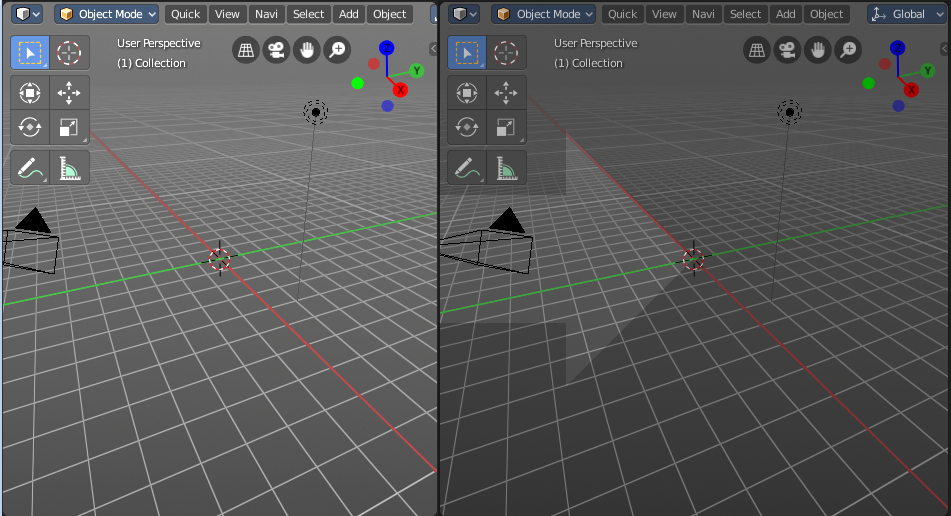
The method is nearly the same than with splitting the editor windows. When you move the mouse over the upper corner of an editor window, then the mouse pointer turns into a white cross.
When you click and drag the mouse outwards of the current editor, then the editor unions with the neighbor editor. Note that this just works when they are in one row, horizontally or vertically.
Swapping areas
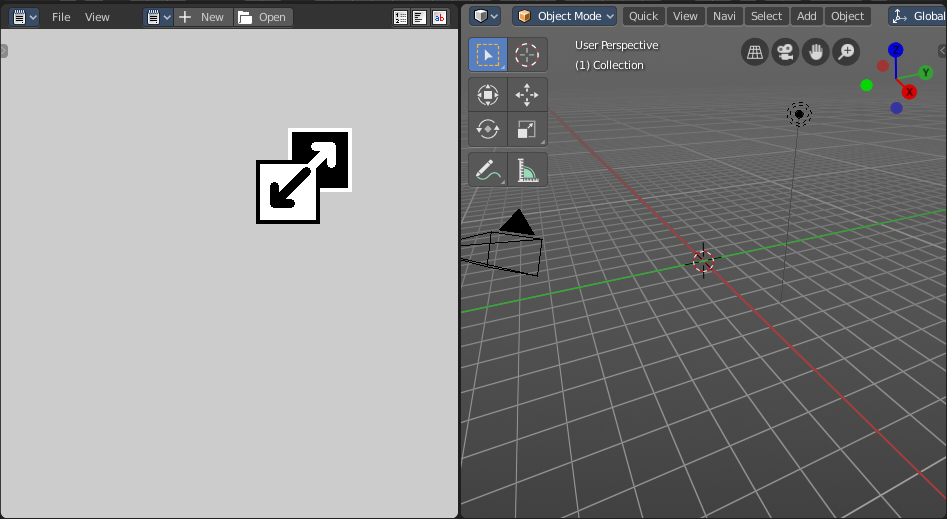
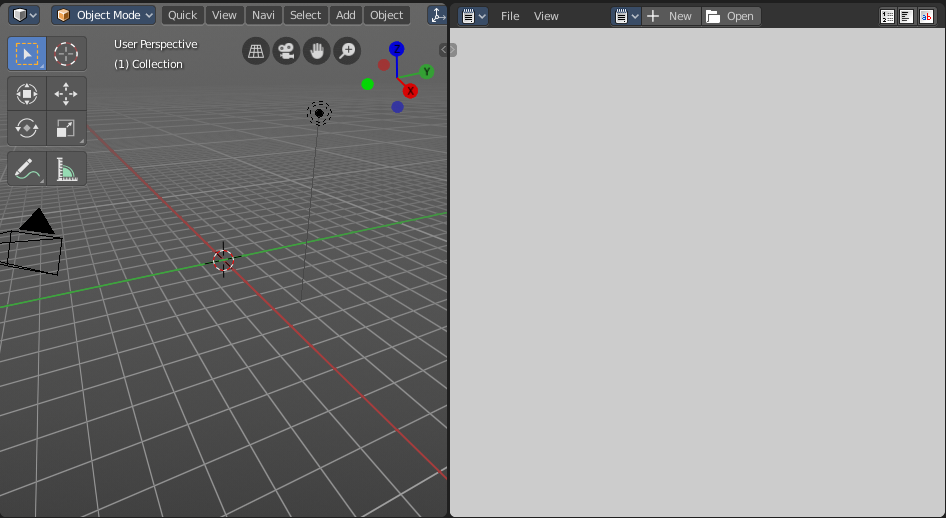
You can swap the contents between two editors with clicking at the corner area, holding Ctrl, and drag into the target editor. The mouse pointer will turn into a swap icon. When you release the mouse the two editors will swap their positions.