




























































Free assets, ready to drag in.
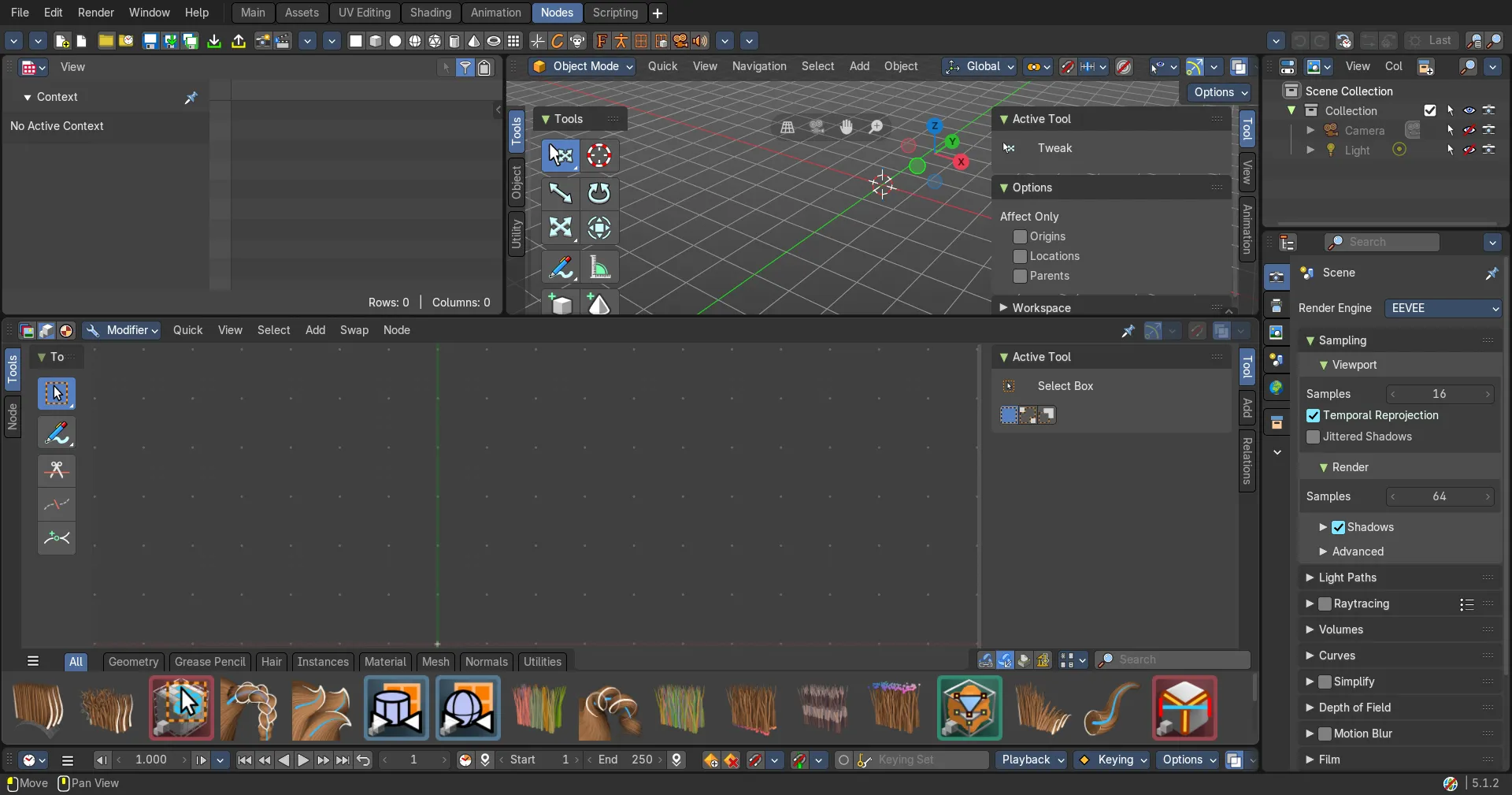
Materials, models, brushes and node groups from free libraries, loaded straight into your Asset Shelf.
Libraries
Free to use
The Bforartists default assets lead. [Which libraries at launch? Any that need an account?]
Comes with Bforartists
Bforartists default assets
Compositor, geometry node and UV node assets, already in your Asset Shelf.

In the manual
How to add a library
Add a library in three steps
1
Get the library
Download the library, or note its folder.
2
Add the folder
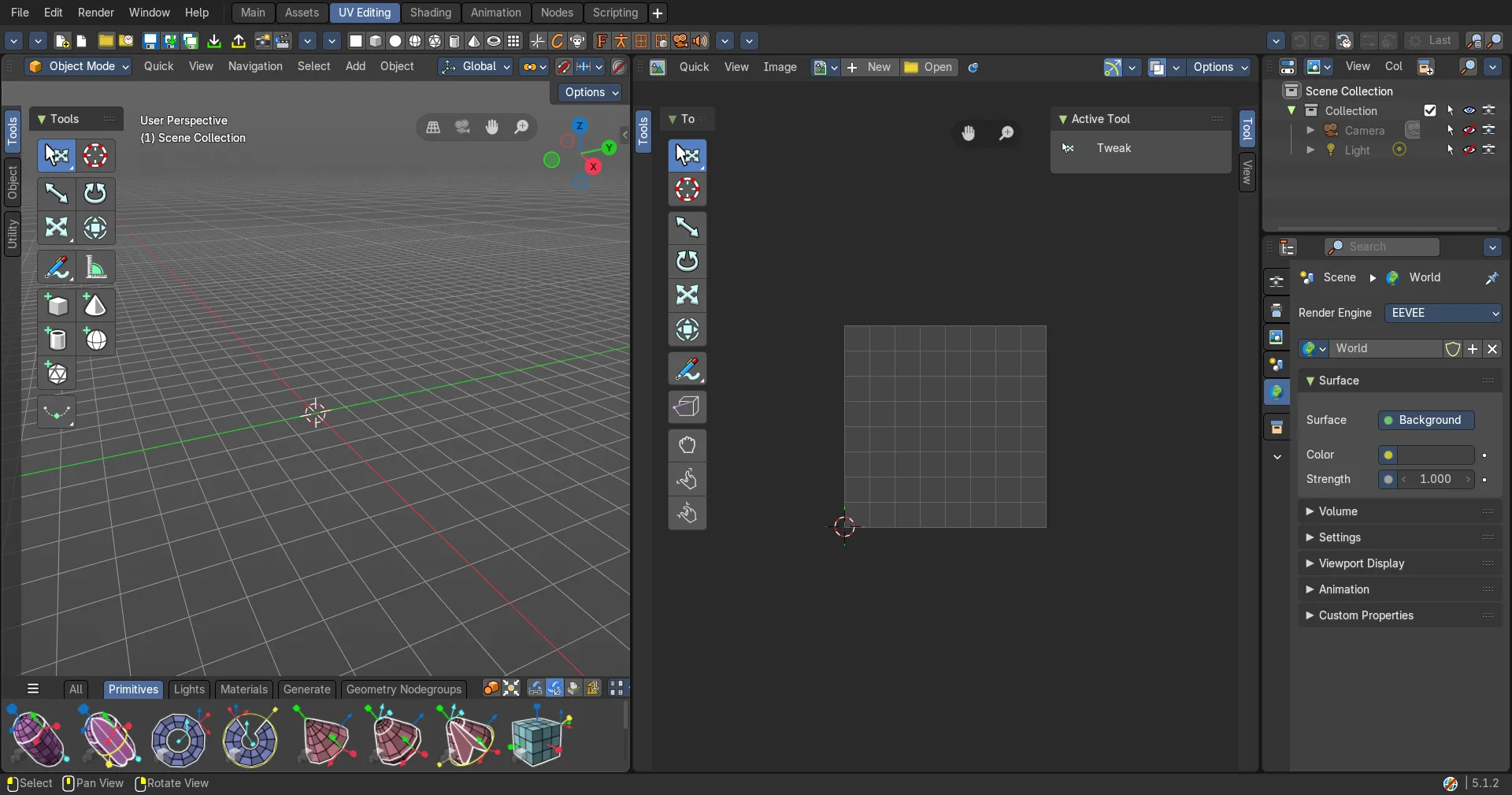
Open Preferences › File Paths › Asset Libraries, and add the folder.
Later
Trinumedia asset store
The paid shelf next to the free one, for when you want more.
More in Community