
































































Editors

Navigation Menu
This menu exists in Sequencer view type.
Navigation menu
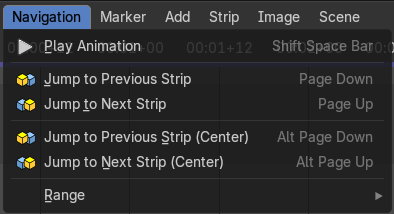
This menu exists in Sequencer view type.
| Entry | What it does |
|---|---|
| Play Animation | Plays the movie. |
| Jump to Previous Strip | Jumps to the start of the previous strip. |
| Jump to Next Strip | Jumps to the start of the next strip. |
| Jump to Previous Strip(Center) | Jumps to the center of the previous strip. |
| Jump to Next Strip(Center) | Jumps to the center of the next strip. |
Range
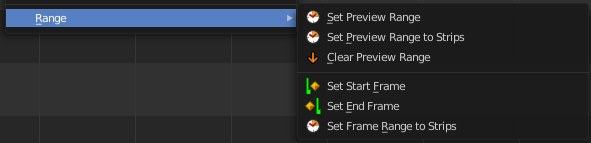
Play range related functionality. Most of it can also be adjusted in the play elements in the timeline editor.
Set Preview Range
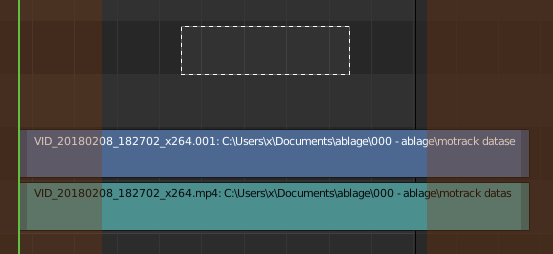
Calls a border select tool that allows you to set the range of the preview.
| Entry | What it does |
|---|---|
| Set Preview Range to Strips | Sets the width of the preview range to the length of the strips. |
| Clear Preview Range | Removes the preview range. |
| Set Start Frame | Sets the current frame as the start frame for playback. |
| Set End Frame | Sets the current frame as the end frame for playback. |
| Set Frame Range to Strips | Sets the start and end frame to the start and end frames of the strips in the sequencer. |