

































































Add Menu
Here you will find all the nodes that you need to create your materials. A click at one of the items will create the node in the workspace at the mouse position right under the menu. It is already selected, and you can…
Add menu
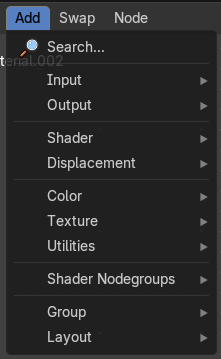
Here you will find all the nodes that you need to create your materials. A click at one of the items will create the node in the workspace at the mouse position right under the menu. It is already selected, and you can drag it around.
Note that the content of the sub menus differs, dependent in which sub mode you are. Objects have different nodes than World or Line Style.
And it differs dependent of which renderer you use. Some nodes just works with specific renderers. They will be marked as such.
Note that you need to have a material selected to activate this content.
Note also that some shaders are real resource hogs, and can slow down rendering times significantly.
Add menu – Search...
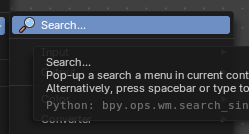
You can click on the search operator to bring up a Pop-up to search the Add menu where you can find specific node types in all categories.
To use, click on the operator or alternatively press spacebar or type in the term that you want to find.
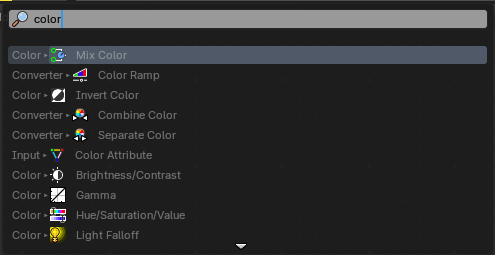
Note: You can call the add menu then immediately start searching at any time.