

































































Hair
There are two types of particles. Emitted particles and hair. Emitted particles are used for things like fire, smoke, mist and many other animated effects. Hair is used for hair and fur effects, at characters for…
Introduction
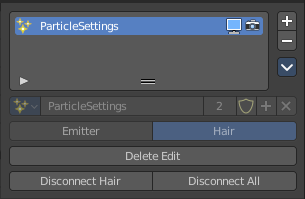
There are two types of particles. Emitted particles and hair. Emitted particles are used for things like fire, smoke, mist and many other animated effects. Hair is used for hair and fur effects, at characters for example.
This manual part is for particles of type Hair.
Workflow example
Create a sphere.
Add a particle system. Change it to hair.
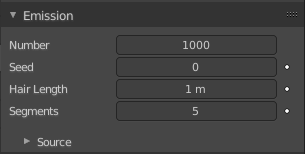
In the Emission panel adjust the length, etc.
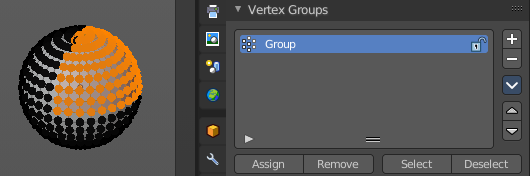
Switch to Edit mode, switch to the Object Data properties tab, and create a vertex group. Assign it to a selection.
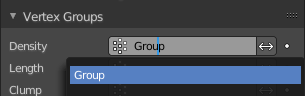
Switch back to the Particles tab. Scroll down to the Vertex Groups panel. In the Density property add the Vertex group. Now the hair should only grow at the vertex group location.
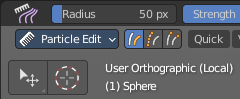
In 3D view switch to Particle Edit mode.
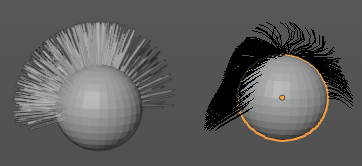
Start to comb the hair. Attention, when you modify the hair particles then some settings like the Emission settings are not longer available. They grey out. You would need to remove the edits to adjust these settings again.