

































































Emitter - Viewport Display panel
How to display the particles in the 3d viewport.
Viewport Display
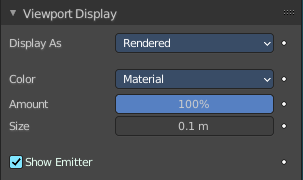
How to display the particles in the 3d viewport.
Display as
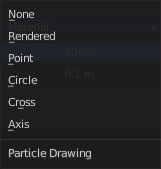
How to display the particles in the viewport.
None

Don't display particles in the viewport.
Rendered
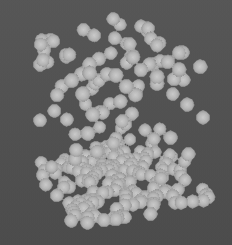
Display the particles as rendered.
Important: These settings are dependent of the render as mode in the Render panel, and some settings just displays in the right mode.
Point
Display the particles as Points.
Circle
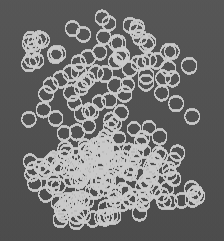
Display the particles as circles.
Cross
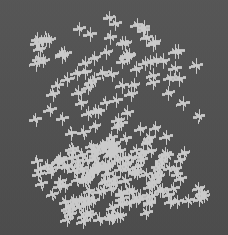
Displays each particle as a cross.
Axis
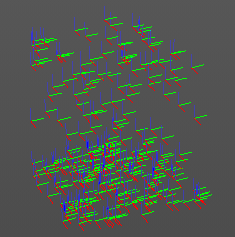
Displays each particle as an axis widget.
Color
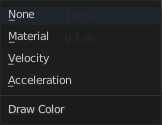
What draw color to use for the particles.
Fade Distance

With color mode Velocity and Acceleration. Maximum length of the particle color vector.
| Entry | What it does |
|---|---|
| Amount | Percentage of particles to display in the 3d viewport. Choosing a display percentage lower 100 makes dynamics inaccurate without baking. |
| Show Emitter | Render the particle emitting mesh. |
Size
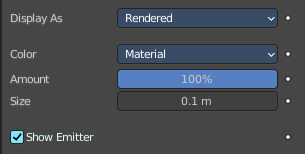
Shows with render method Halo. Size of particles in viewport in Blender Units.
Strand Steps

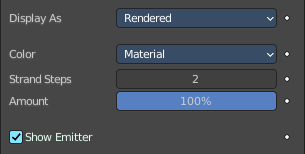
Shows with render method With Path. How many steps paths are drawn with. The value needs to be a power of two.