

































































Object Data Properties Tab
In the object data tab you will find all the object specific data settings. For a mesh object vertex groups and shape keys for example. An armature object will show armature related settings.
Properties Editor - Object Data Tab
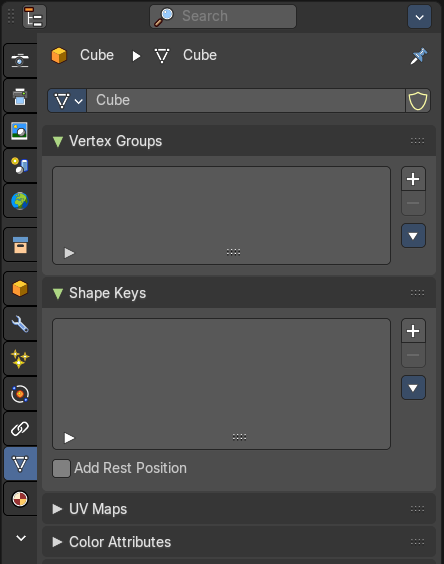
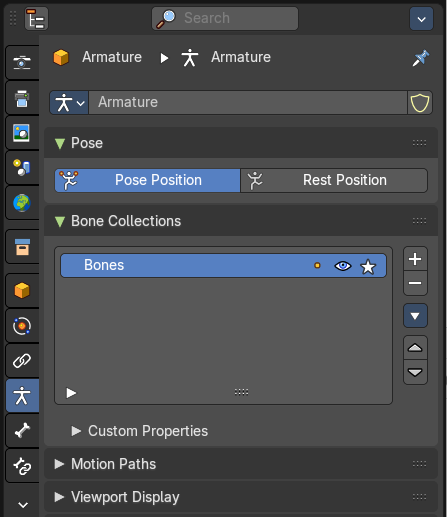
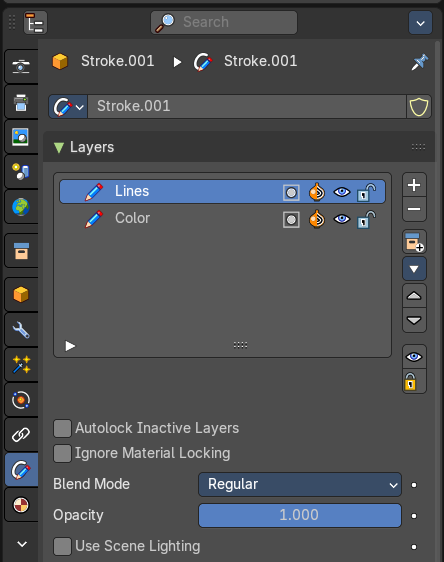
In the object data tab you will find all the object specific data settings. For a mesh object vertex groups and shape keys for example. An armature object will show armature related settings.
The icon can differ. For a mesh object you will have a vertice icon. For an armature object you will have a armature icon.
And the content of the panels can differ, dependent of the mode you are in. Some tools just shows in edit mode. Assign / Remove tools for vertex groups for example.
Data Browser
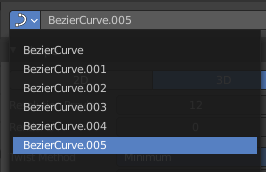
Lists the available mesh data of objects of same type. And allows to choose another mesh data of the same type.
Name
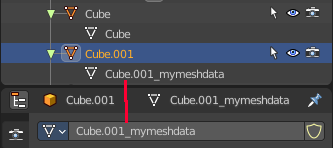
The name of the Mesh data of the currently active object. You can also use the mesh data from other objects of the same type.
By default the name of the mesh data is the same than the object name. But it can be renamed.
Fake User
Add a fake user to this object so that it is not deleted when it has no user in the scene.
Animation panel
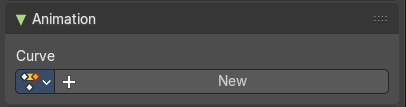
Assign a animation to the object.
Custom Properties panel
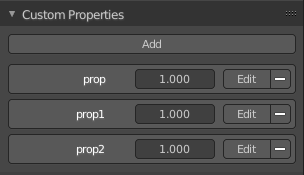
This panel exists for all object types in the Object Data Properties. Allows you to add custom properties that can be used in various ways then. For scripting, or to drive animation etc.
In this panel you might also find custom properties from addons or scripts.
| Entry | What it does |
|---|---|
| Add | Adds a new property. |
| Property Value | The value of the property. |
Edit
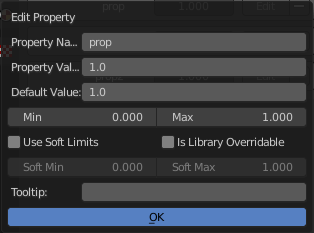
Opens a panel where you can adjust the settings for the custom property. The settings should be self explaining.
Remove
Removes the property.