

































































NLA Editor - Channel list
The channel list contains your objects and their animation channels.
NLA Editor - Channel List
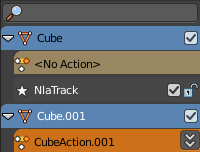
The channel list contains your objects and their animation channels.
The channel list area can be resized by dragging the right border to left or right.
The list has several elements, to turn on or off different features, Or to expand or collapse the hierarchy.
Action channel and NLA Track channel
An action channel is a channel with keyframe animation. Before converting the animation to an action.
A track channel is a channel with an action strip. After converting the animation to an action.
Hotkeys
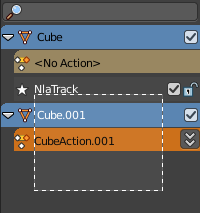
Hotkey A selects all channels.
Hotkey Alt A deselects everything.
Left mouse and dragging activates box select.
Clicking at a channel selects it.
Clicking at a channel while holding down shift adds to the selection or removes from the selection.
Search field
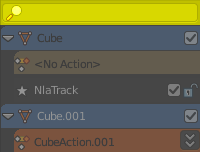
At the top is a search field that allows you to filter the channel list by search terms.
Expand / collapse triangle
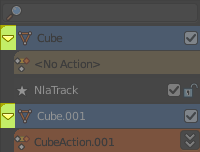
The triangle icon at the left allows you to expand or collapse the hierarchy.
Object type Icon
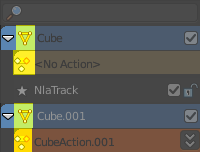
This icon shows what kind of object this channel belongs to. These icons have no functionality.
Pin


In Tweaking mode. When unpinned display action without any time remapping. The keyframes remains at their initial position when you move the action strip.
Mute
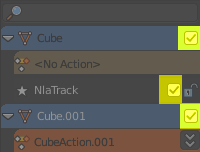
Mutes the channel.
Lock
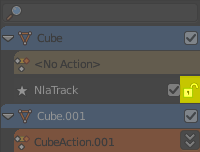
Locks the channel from editing.
Push Down Action
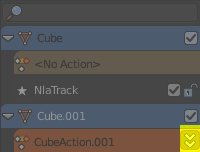
Tracks that are no Action strips yet shows this button. Converts a keyframe animation to an Action strip.
Solo
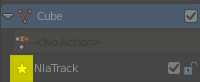
Just edit this track.
Channel / Track name
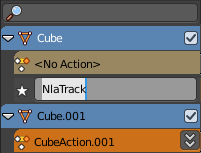
The name of the channel name and element. Some elements can be renamed. Like the action or object type.
To rename an element double click at it. Type in the new name. Then press Enter or click elsewhere.