

































































Node tab
The name of the selected node. Read only.
Node panel
Name
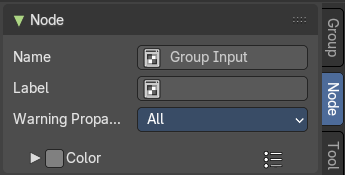
The name of the selected node. Read only.
Despite being read only, this text can be edited. But be careful, it will not change the name in the header of the node. And it does not snap back to the original name of the node when you remove the custom text.
Label
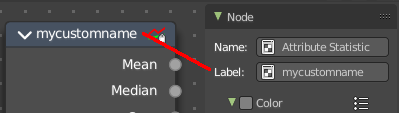
Allows you to define a custom name for the selected node. This text does change the name in the header of the node.
Warning Propagation
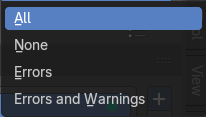
What kind of messages should be propagated from this node to the parent node.
Color Subpanel
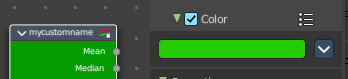
Define a custom color for the node. A click at the color field opens a color picker.
Presets
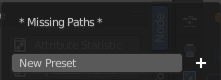
Add color presets.
Node color specials
Copy Color
Copies the color. Which doesn't help you since you cannot paste it.
Properties panel
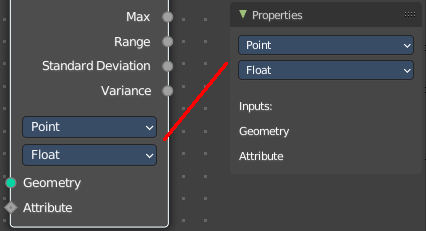
Lists the properties of the node in editable form. And the inputs in text form.
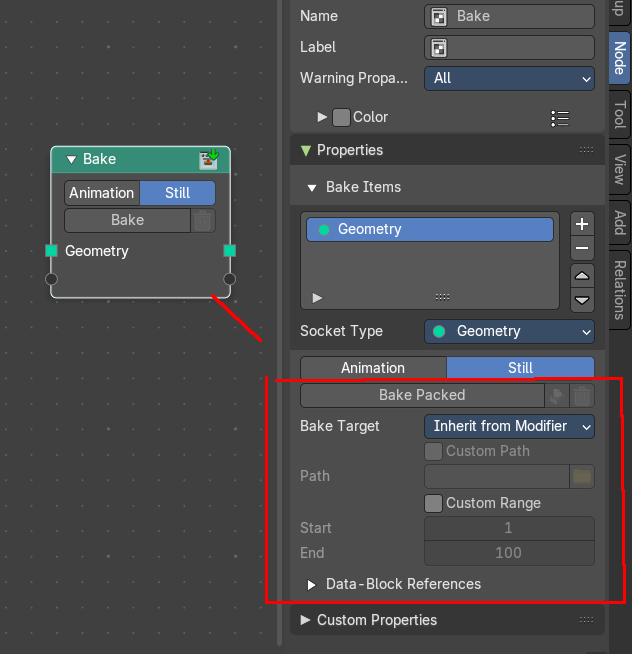
Note that some nodes might not have all functionality in the node itself, but shows it in the properties panel instead. The bake node for example, shows the bake packed content just in the sidebar.
To keep the information together, we describe this functionality in the corresponding node chapters.
For the group input and group output options see chapter Group properties.