
































































Editors

Add Menu - Normals
The Normals node Smooth by Angle is a Node Group. Node groups differ from the other nodes in the add menu due to being mid level node groups instead of individual low level nodes.
Add menu - Normals

The Normals node Smooth by Angle is a Node Group. Node groups differ from the other nodes in the add menu due to being mid level node groups instead of individual low level nodes.
You can enter the node tree by clicking at the icon up right. Tab to leave the node tree. And you can of course also edit the node tree.
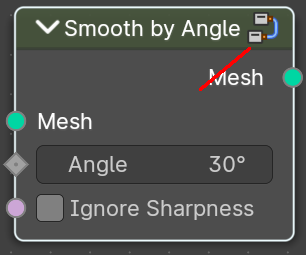
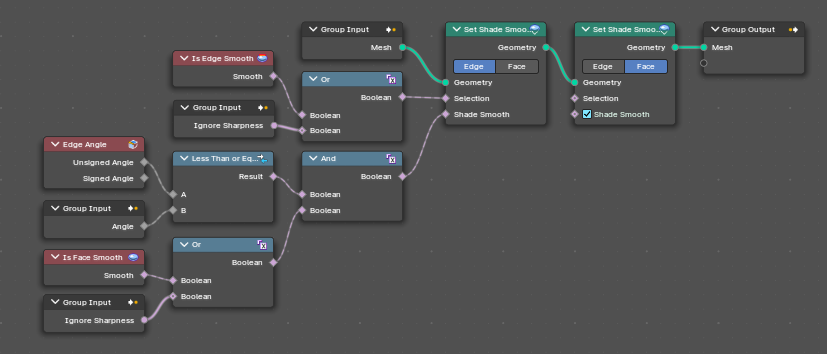
Smooth by Angle
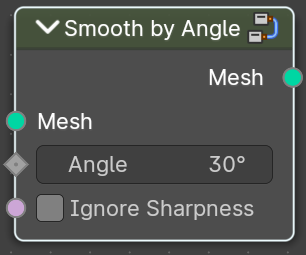
Smoothens or sharpens the mesh edges based on the angle between faces.
| Entry | What it does |
|---|---|
| Input | Mesh: The input geometry. · Angle: Maximum face angle for smooth edges. · Ignore Sharpness: Ignore the sharpness at edges that are set to sharp. |
| Output | Geometry: The output geometry. |