

































































Add Menu - Input - Constant
Here you find input nodes.
Add menu - Input - Constant
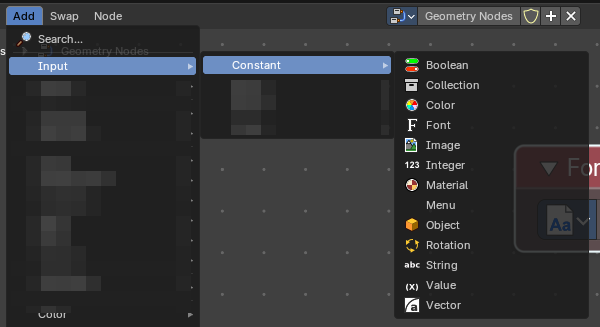
Here you find input nodes.
Boolean
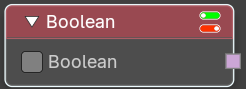
Inputs a boolean value.
| Entry | What it does |
|---|---|
| Properties | Value: The input boolean. |
| Outputs | Boolean: The boolean state. |
Collection
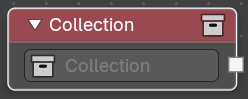
Outputs a single collection.
| Entry | What it does |
|---|---|
| Properties | Collection: The collection to select from the scene. |
| Outputs | Collection: The collection data useful to get instances as children. |
Color
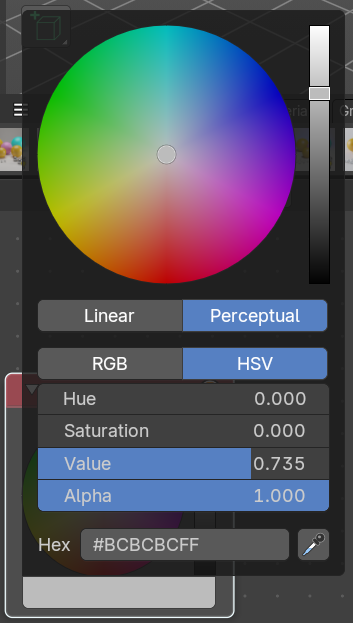
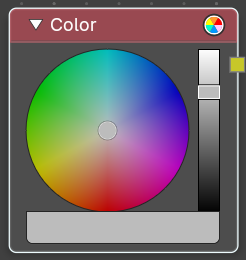
Define a input color.
This node is a color wheel.
Clicking at the color field at the bottom will reveal the standard Blender color dialog, where you can input numeric values.
Outputs
Color
Standard color output.
Font
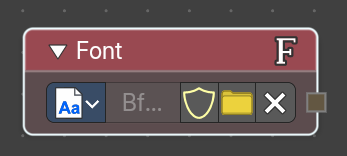
Provides a constant reference to a font data inside Geometry Nodes. Useful for procedural text generation, typography-driven effects, and node-based workflows where font consistency is required
Parameters
| Entry | What it does |
|---|---|
| Font Selector | Dropdown or file browser to choose the font datablock. Can reference internal fonts or external font files. |
| Output | Provides a Font datablock reference that other nodes can consume. Typically used as input for text-related nodes. |
Image
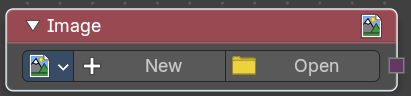
Add a input image.
Properties
Image
Load or connect a image.
New
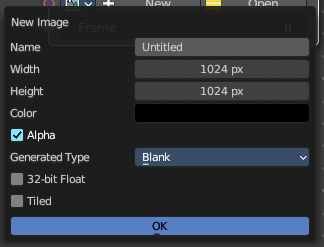
Create a new image.
Opens a new image dialog where you can adjust the color, size and further settings.
Open
Open a existing image.
Image prop
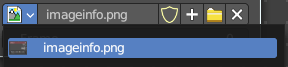
| Entry | What it does |
|---|---|
| Image browser | A list of available images |
| Image name | The name of the image |
| Fake user | Add a fake user to this asset. |
New
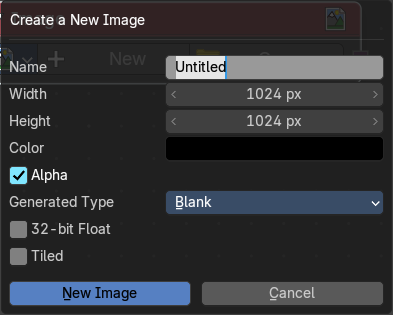
Create a new image.
Opens a new image dialog where you can adjust the color, size and further settings.
| Entry | What it does |
|---|---|
| Open Image | Open a existing image. |
| Remove | Removes the image as the active image. |
Frame
For videos. Which frame to use.
Outputs
Image
The output image.
Integer
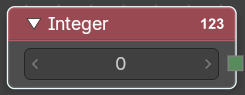
Inputs a integer value.
| Entry | What it does |
|---|---|
| Properties | Value: The input integer. |
| Outputs | Integer: The integer value. |
Material
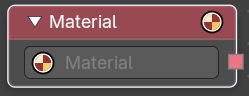
Retreive a material.
Outputs
Material
The material output.
Object
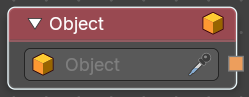
Retrieves a single object.
| Entry | What it does |
|---|---|
| Properties | Object: The object to select from the scene. |
| Outputs | Object: The object data useful to get object info. |
Rotation
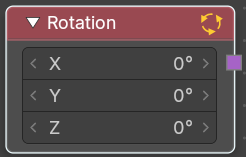
Apply a constant rotation.
| Entry | What it does |
|---|---|
| Properties | X, Y Z: The rotation that you want to apply. |
| Outputs | Rotation: The output rotation vector. |
String
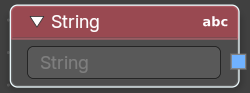
Input a string.
| Entry | What it does |
|---|---|
| Properties | String: The string that you want to input. |
| Outputs | Value: The value set in the node properties. |
Value
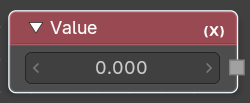
Input numerical values to other nodes in the tree.
| Entry | What it does |
|---|---|
| Properties | Value: Single numerical value (floating point). |
| Outputs | Value: The value set in the node properties. |
Vector
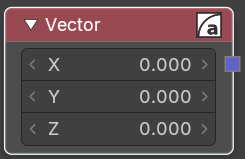
Creates a single vector of three values that can be used as an input.
Properties
| Entry | What it does |
|---|---|
| X Y Z | The values of the vector. |
| Output | Vector: Standard vector output. |