
































































Editors

Add Menu - Geometry Nodegroups - Material
The nodes in this submenu are node groups. They use the regular single nodes under the hood.
Add menu - Geometry nodes - Material
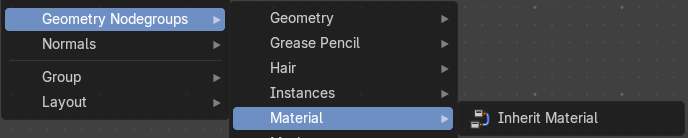
The nodes in this submenu are node groups. They use the regular single nodes under the hood.
It is virtually impossible to document these nodes in detail. So we will just list them.
When you double click the header, then you will enter the first level of the group. When you then press tab, or click again at the header, then you will reach the single nodes.
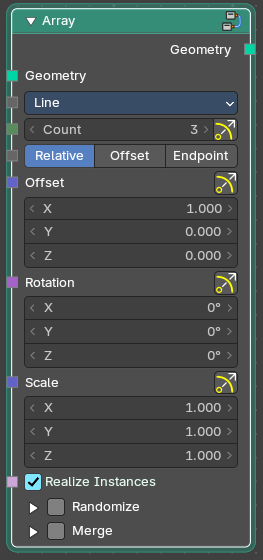
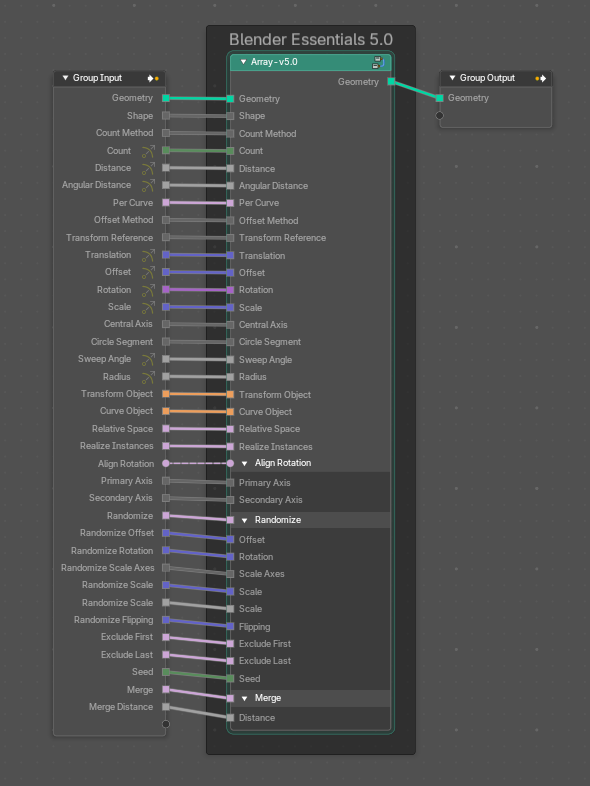
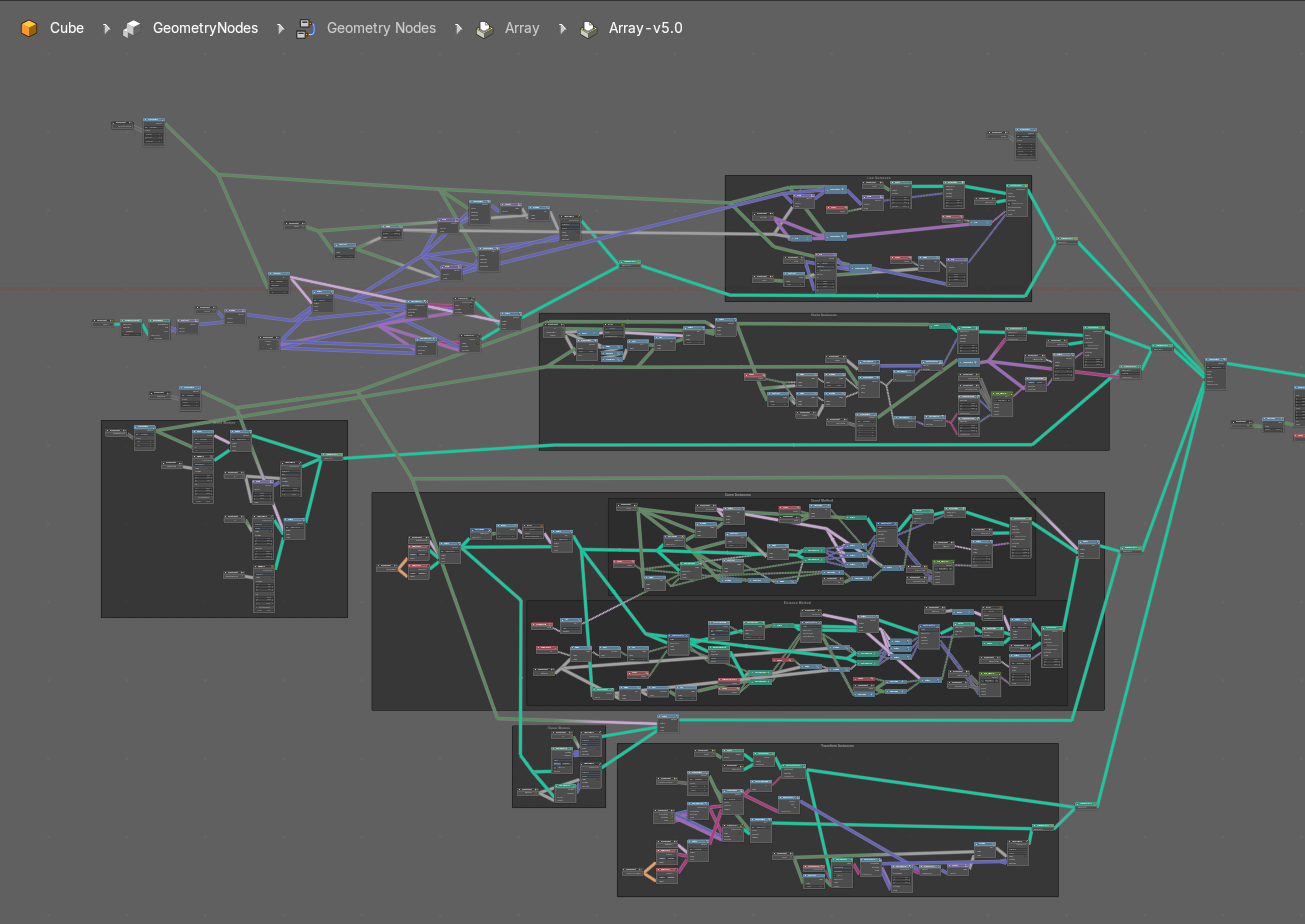
To leave the group you can use the breadcrumb up left in the header. These breadcrumbs are clickable. Or the Parent Node Tree button up right in the header.

Inherit Material
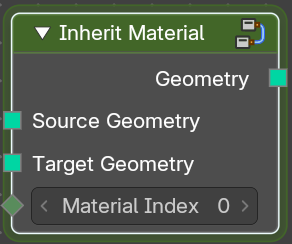
Applies an existing material from the source geometry at the target geometry.