
































































Editors

Add Menu - Geometry Nodegroups - Hair - Utility
The nodes in this submenu are node groups. They use the regular single nodes under the hood.
Add menu - Hair - Utility

The nodes in this submenu are node groups. They use the regular single nodes under the hood.
It is virtually impossible to document these nodes in detail. So we will just list them.
When you double click the header, then you will enter the first level of the group. When you then press tab, or click again at the header, then you will reach the single nodes.
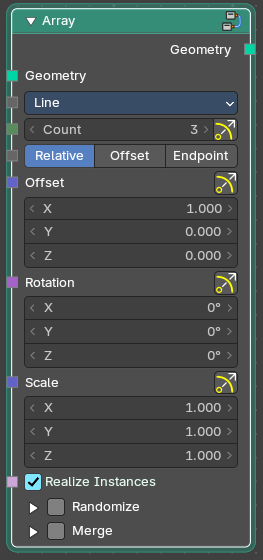
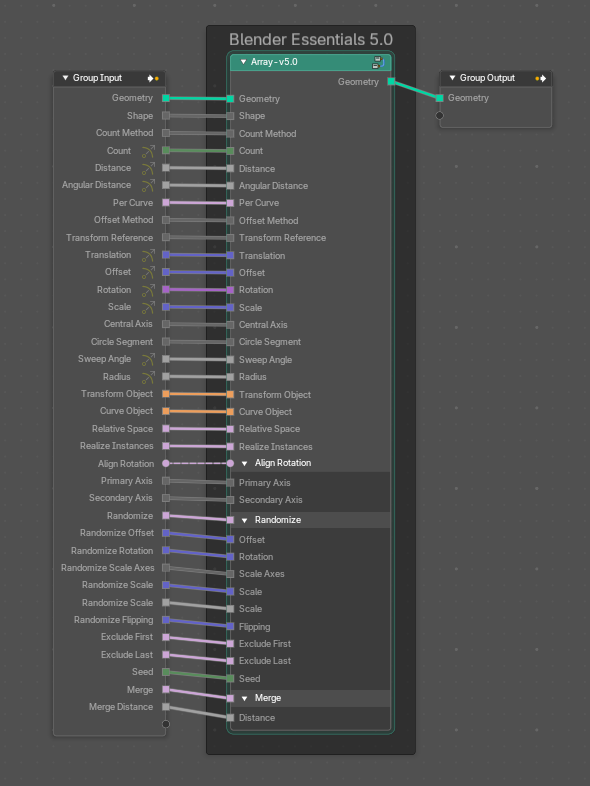
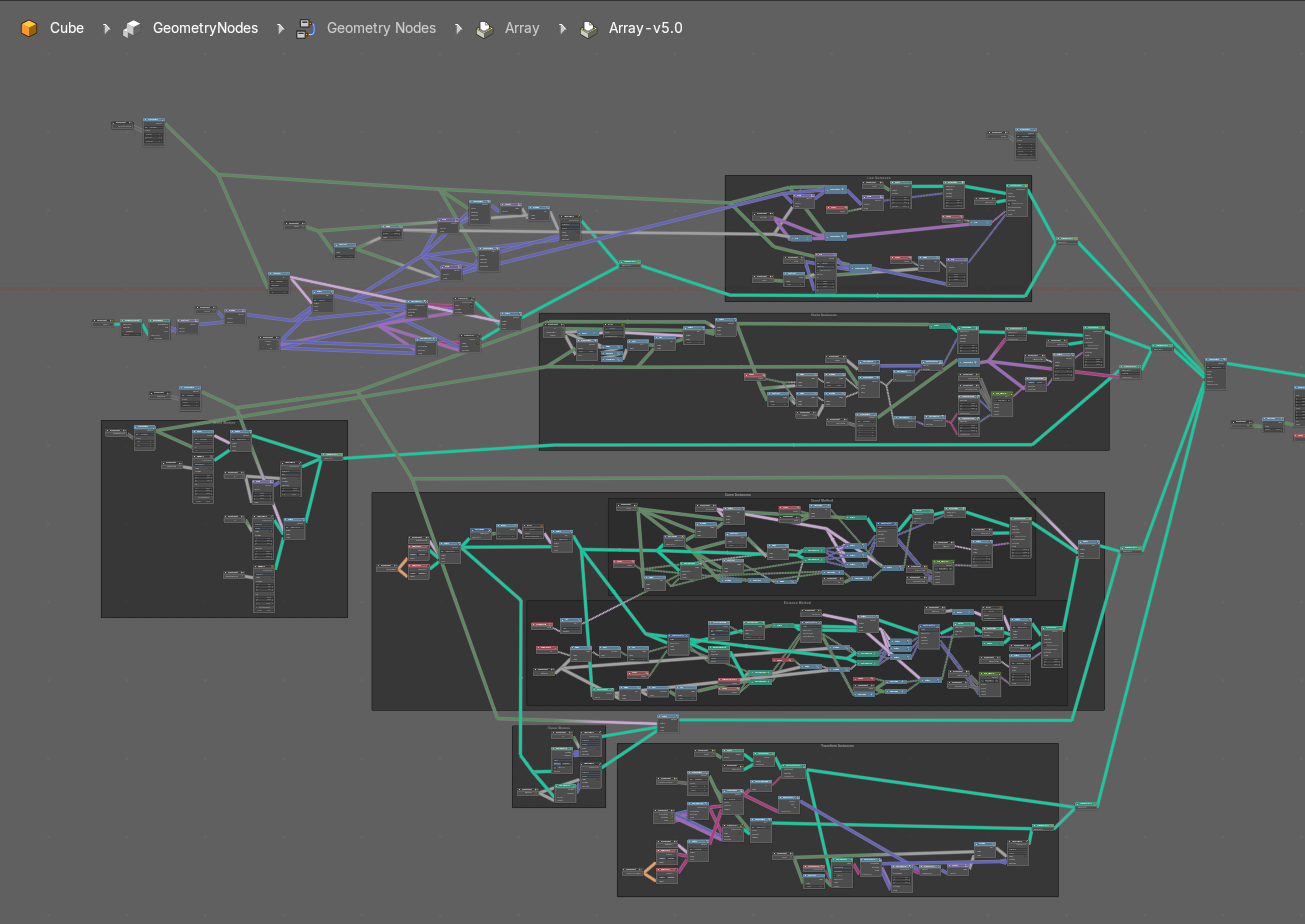
To leave the group you can use the breadcrumb up left in the header. These breadcrumbs are clickable. Or the Parent Node Tree button up right in the header.

Attach Hair Curves to Surface

Attaches hair curves to a surface mesh.
Input
| Entry | What it does |
|---|---|
| Geometry | The input geometry. |
| Surface Object | A surface object to attach to. It needs to have matching transforms. |
| Surface | Surface geometry to attach hair curves to. |
| Surface UV Map | Surface UV Map used to attach hairs to. |
| Surface Rest Position | Set the surface into rest position before attachment. |
| Sample Attachment UV | Sample the surface UV mapp at the attachment point. |
| Snap to Surface | Snap the root of the curve to the closest surface point. |
| Align to Surface Normal | Align the curves to surface normals. Needs a guide as reference. |
| Blend along Curve | Blend deformation along eacah curve from the root. |
Output
| Entry | What it does |
|---|---|
| Geometry | The output geometry. |
| Surface UV Coordinate | Surface UV Coordinate at the attachment point. |
| Surface Normal | Surface Normal at the attachment point. |
Redistribute Curve Points
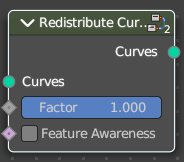
Redistributes existing control points evenly along each curve.
| Entry | What it does |
|---|---|
| Input | Curves: The input curve. · Factor: Factor to blend overall effect. · Feature Awareness: Use simple feature awareness to keep feature definition. |
| Output | Curves: The output curves. |
Restore Curve Segment Length
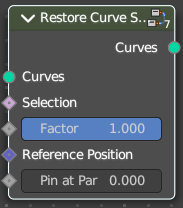
| Entry | What it does |
|---|---|
| Input | Curves: The input curve. · Selection: A selection of the input curve. · Factor: Factor to blend overall effect. · Reference Position: Reference position before deformation. · Pin at Parameter: Pin each curve at a certain point for the operation. |
| Output | Curves: The output curves. |