

































































Add Menu - Geometry Nodegroups - Hair - Guides
The nodes in this submenu are node groups. They use the regular single nodes under the hood.
Add menu - Hair - Guides

The nodes in this submenu are node groups. They use the regular single nodes under the hood.
It is virtually impossible to document these nodes in detail. So we will just list them.
When you double click the header, then you will enter the first level of the group. When you then press tab, or click again at the header, then you will reach the single nodes.
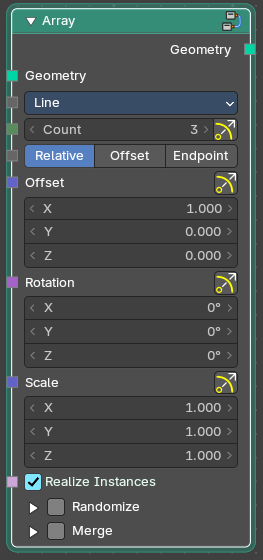
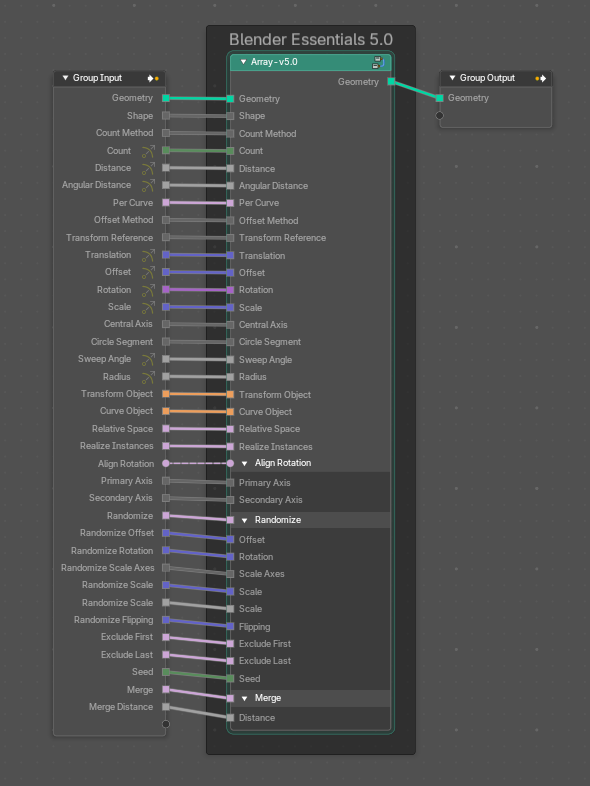
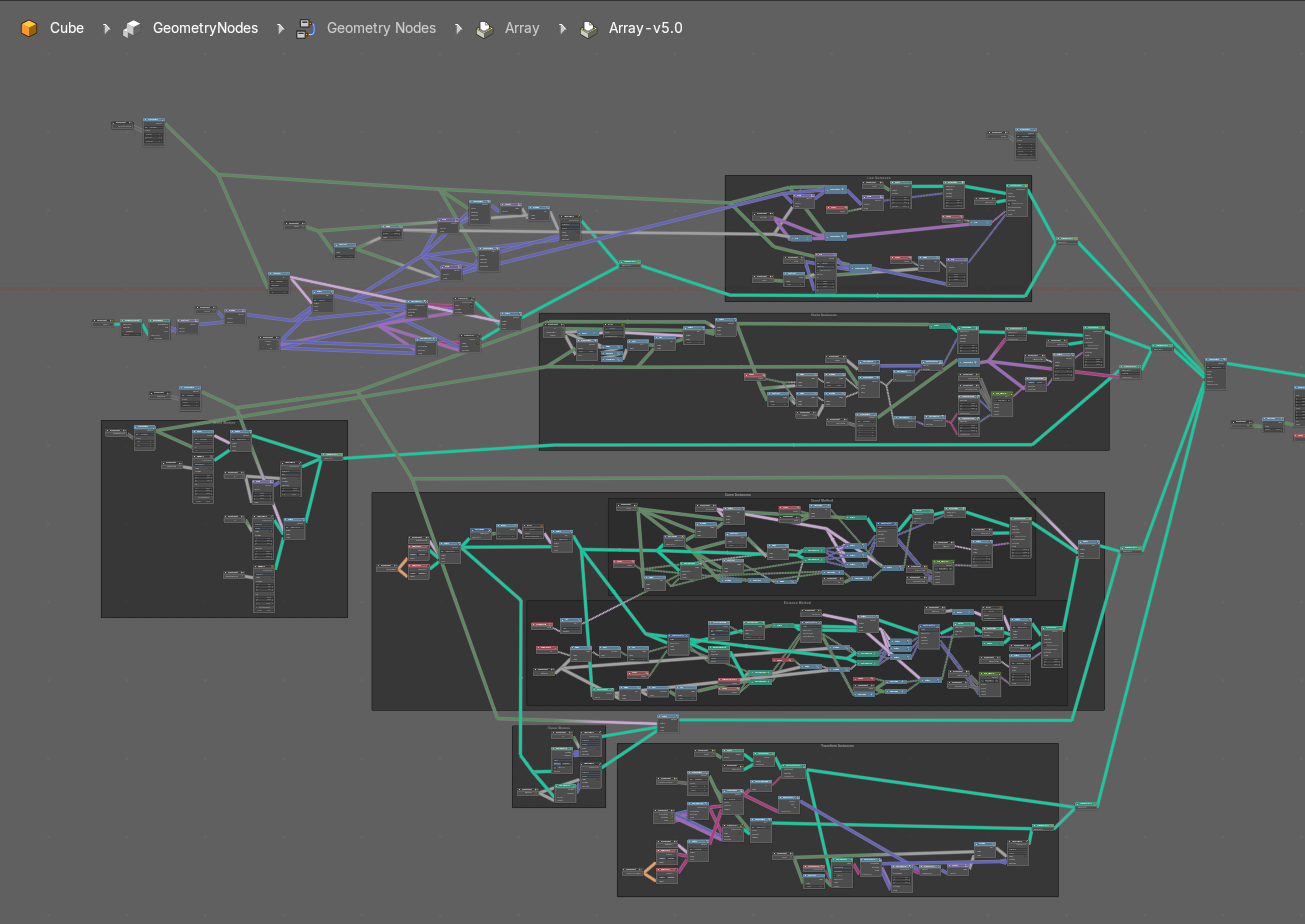
To leave the group you can use the breadcrumb up left in the header. These breadcrumbs are clickable. Or the Parent Node Tree button up right in the header.

Braid Hair Curves
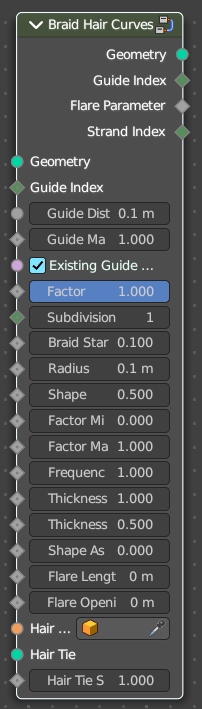
Deforms existing hair curves into braids.
Input
| Entry | What it does |
|---|---|
| Geometry | The input geometry. |
| Guide Index | Index map input. This input has priority. |
| Guide Distance | Minimum distance between two guides for new guide map. |
| Guide Mask | Mash for which curve are eligible to be selected as guides. |
| Existing Guide Map | Use the existing guide map attribute if available |
| Factor | Factor to blend overall effect. |
| Subdivision | Subdivision level applied before deformation. |
| Braid Start | Where to start to blend deformation in percent from the root. |
| Radius | Overall radius of the braids. |
| Shape | Shape of the braid radius along each curve. |
| Factor Min | Minimum radius of the braid. |
| Factor Max | Maximum radius of the braid. |
| Frequency | Frequency factor of the braids. |
| Thickness | Thickness of the braids. |
| Thickness Shape | Shape adjsutment of the strand thickness for the braids. |
| Shape Assymetry | Asymetry of the shape adjustment of the strand thickness. |
| Flare Length | Length of the flare at the end of the braid. |
| Flare Opening | Opening radius of the flare at the tip of the braid. |
| Hair Tie Object | Object used for the hair tie instance. |
| Hair Tie | Geometry used for the hair tie instance. This has priority. |
| Hair Tie Scale | Scale of the hair tie instance. |
Output
| Entry | What it does |
|---|---|
| Geometry | The output geometry. |
| Guide Index | The guide index map that was used for the operation. |
| Flare Parameter | Parameter between 0 and 1 along the flare. |
| Strand Index | Index of the strand within a braid that each curve belongs to. |
Clump Hair Curves

Clumps together existing hair curves.
Input
| Entry | What it does |
|---|---|
| Geometry | The input geometry. |
| Guide Index | Index map input. This input has priority. |
| Guide Distance | Minimum distance between two guides for new guide map. |
| Guide Mask | Mash for which curve are eligible to be selected as guides. |
| Existing Guide Map | Use the existing guide map attribute if available. |
| Factor | Factor to blend overall effect. |
| Shape | Shape of the influence along curves. 0 means constant. 0.5 means linear. |
| Tip Spread | Distance of random sread at the curve tips |
| Clump Offset | Offset of clump in a random direction. |
| Distance Falloff | Falloff distance for the clumping effect. 0 means no falloff. |
| Distance Threshold | Distance threshold for the clumping effect. 0 means no falloff. |
| Preserve Length | Preserve the length of each curve during deformation. |
Output
| Entry | What it does |
|---|---|
| Geometry | The output geometry. |
| Guide Index | The guide index map that was used for the operation. |
Create Guide Index Map
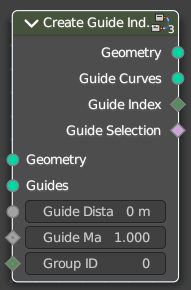
Creates an attribute that maps each curve to its nearest guide via index.
| Entry | What it does |
|---|---|
| Input | Geometry: The input geometry. · Guides: Index map input. This input has priority. · Guide Distance: Minimum distance between two guides for new guide map. · Guide Mask: Mash for which curve are eligible to be selected as guides. · Group ID: The id that is used to group curves togethert for guide map creation. |
| Output | Geometry: The output geometry. · Guide Curves: The output guides · Guide Index: The guide index map that was used for the operation. · Guide Selection: The output guide selection. |
Curl Hair Curves

Deform existing hair curves into curls.
Input
| Entry | What it does |
|---|---|
| Geometry | The input geometry. |
| Guide Index | Index map input. This input has priority. |
| Guide Distance | Minimum distance between two guides for new guide map. |
| Guide Mask | Mash for which curve are eligible to be selected as guides. |
| Existing Guide Map | Use the existing guide map attribute if available. |
| Factor | Factor to blend overall effect. |
| Subdivision | Subdivision level applied before deformation. |
| Curl start | — |
| Radius | — |
| Factor Start | Form where to blend deformation in percent, starting from the root. |
| Factor End | Factor for the radius at the curl end. |
| Frequency | Frequency factor of the curls. |
| Random Offset | Amount of random offset per curve. |
| Seed | Random seed for the operation. |
Output
Geometry
The output geometry.