

































































Add Menu - Geometry Nodegroups - Hair - Generation
The nodes in this submenu are node groups. They use the regular single nodes under the hood.
Add menu - Hair - Generation

The nodes in this submenu are node groups. They use the regular single nodes under the hood.
It is virtually impossible to document these nodes in detail. So we will just list them.
When you double click the header, then you will enter the first level of the group. When you then press tab, or click again at the header, then you will reach the single nodes.
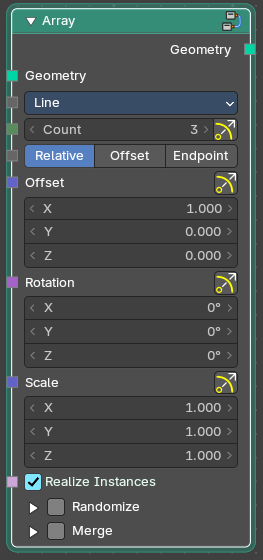
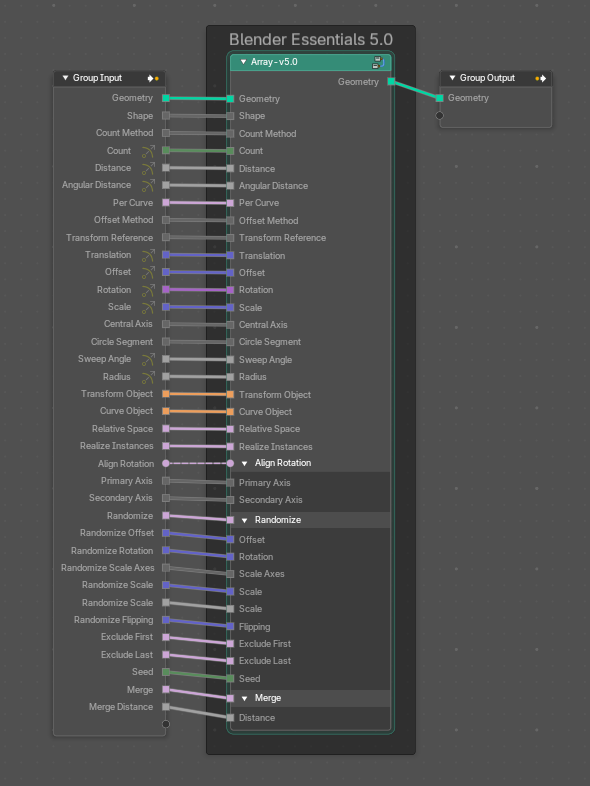
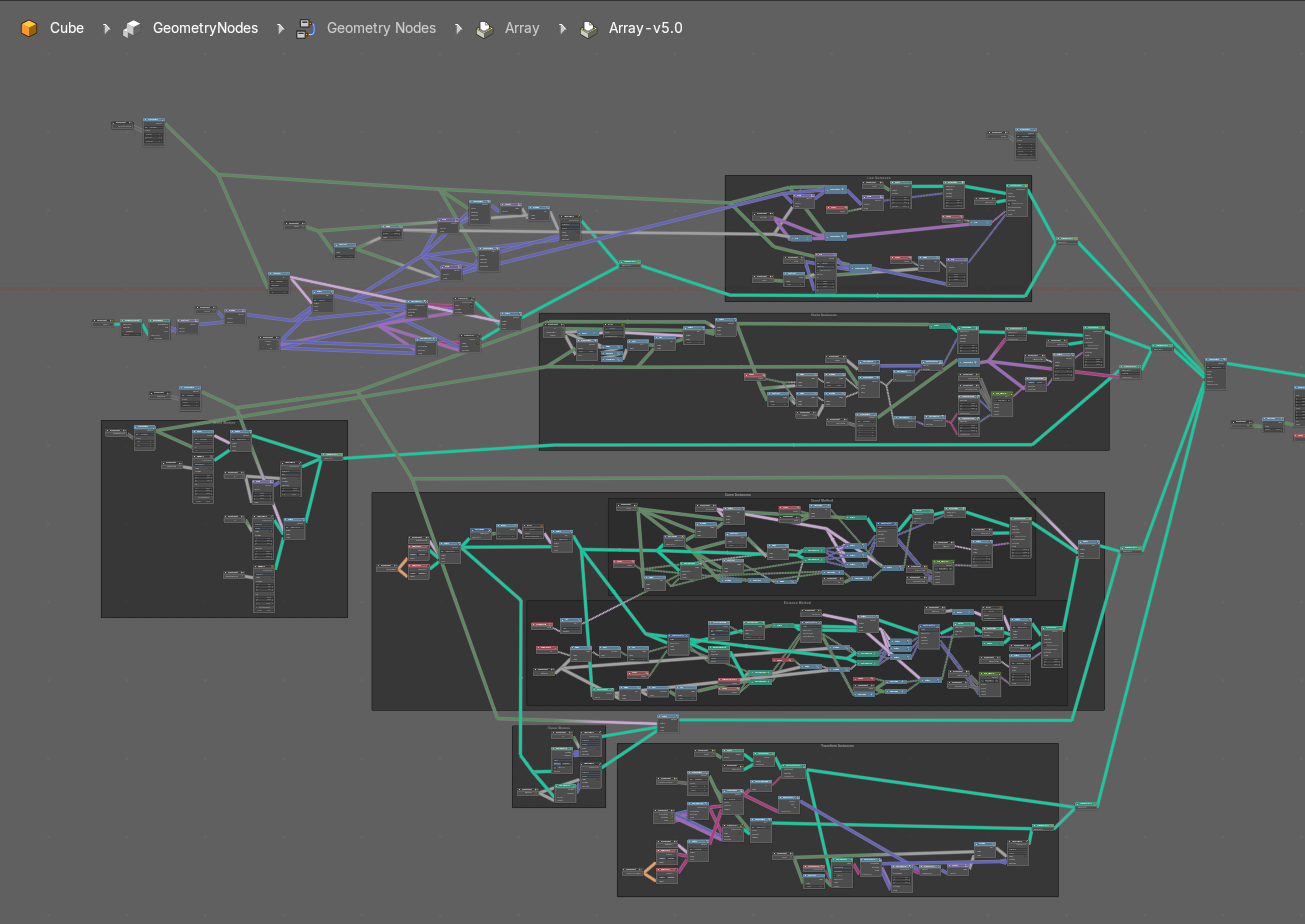
To leave the group you can use the breadcrumb up left in the header. These breadcrumbs are clickable. Or the Parent Node Tree button up right in the header.

Duplicate Hair Curves

Duplicates hair curves a certain amouunt of times in the given radius.
| Entry | What it does |
|---|---|
| Input | Geometry: The input geometry. · Amount: Amount of duplication per curve. · Viewport Amount: How much percent is used in the viewport. · Radius: The radius in which the duplicate curves are offset from the guides. · Distribution Shape: Shape of distriubution from center to the edge aroudn the guide. · Tip Roundness: Offset of the curves to round the tip. · Even Thickness: Keep an even thickness of the distribution of duplicates. · Seed: Random seed for the operation. |
| Output | Geometry: The output geometry. · Guide Index: The guide index map that was used for the operation. |
Generate Hair Curves

Generates new hair curves on a surface mesh.
Input
| Entry | What it does |
|---|---|
| Surface | The surface to generate the hairs on. |
| Surface Object | A surface object to generate the hairs on. |
| Surface UV map | Surface UV map used for attachment. |
| Surface Rest Position | Set the surface mesh into its rest position before attachment. |
| Hair Length | Length of the generated hair curves. |
| Hair Material | The material for the hair curves. |
| Control Points | Amount of control points for the generated hair curves. |
| Poisson Disk Distribution | Use Poisson Disk distribution to keep a minimum distance between the hair curves. |
| Density | How dense the generated hair curves are. |
| Density Mask | Factor for the density of generated hair curves. |
| Mask Texture | Discard points based on a mask texture after distribution. This mask can be loaded here. |
| Viewport Amount | How dense the generated hair curves are displayed in the viewport. |
| Seed | Random seed for operation. |
Output
| Entry | What it does |
|---|---|
| Geometry | The output geometry. |
| Curves | The output curves. |
| Surface Normal | The surface normals. |
Interpolate Hair Curves

Interpolates existing guide curves on a surface.
Input
| Entry | What it does |
|---|---|
| Guide Curves | Input guide curves. |
| Surface Geometry | The surface geometry to generate the hairs on. |
| Surface Object | A surface object to generate the hairs on. |
| Surface UV map | Surface UV map used for attachment. |
| Surface Rest Position | Set the surface mesh into its rest position before attachment. |
| Follow Surface Normal | Align the interpolated curves to the surface normal. |
| Part by Mesh Islands | Use mesh islands of the surface geometry for painting. |
| Interpolation Guides | Amount of guides to be used for interploation per curve. |
| Distance to Guides | Distance aorund each guide to spawn interpollated curves. |
| Poisson Disk Distribution | Use Poisson Disk distribution to keep a minimum distance between the hair curves. |
| Density | How dense the generated hair curves are. |
| Density Mask | Factor for the density of generated hair curves. |
| Mask Texture | Discard points based on a mask texture after distribution. This mask can be loaded here. |
| Viewport Amount | How dense the generated hair curves are displayed in the viewport. |
| Seed | Random seed for operation. |
Output
| Entry | What it does |
|---|---|
| Geometry | The output geometry. |
| Guide Index | The output curves. |
| Surface Normal | The surface normals. |