

































































Add Menu - Geometry Nodegroups - Hair - Deformation
The nodes in this submenu are node groups. They use the regular single nodes under the hood.
Add menu - Hair - Deformation

The nodes in this submenu are node groups. They use the regular single nodes under the hood.
It is virtually impossible to document these nodes in detail. So we will just list them.
When you double click the header, then you will enter the first level of the group. When you then press tab, or click again at the header, then you will reach the single nodes.
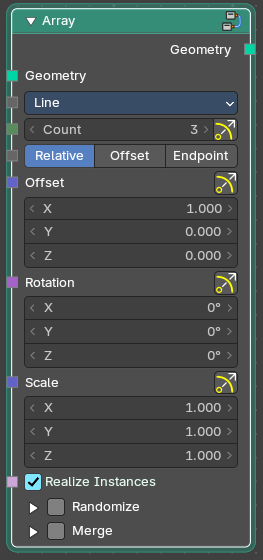
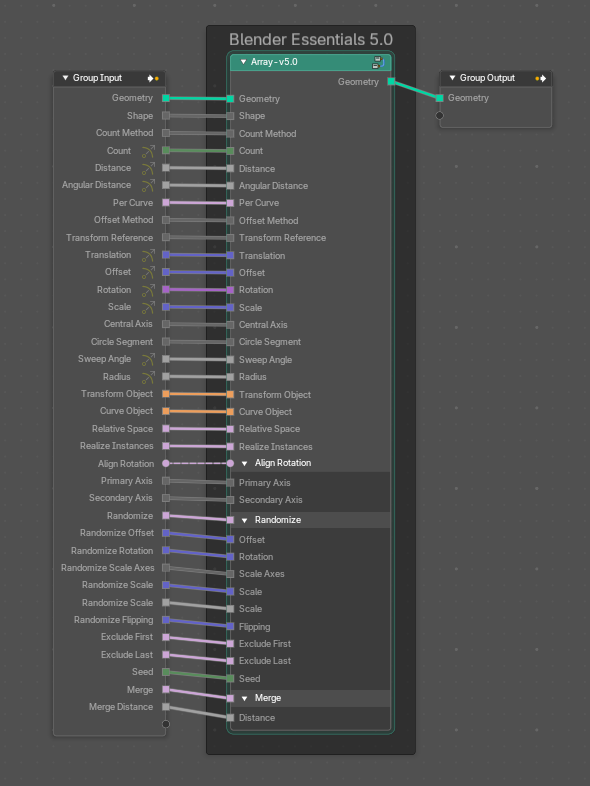
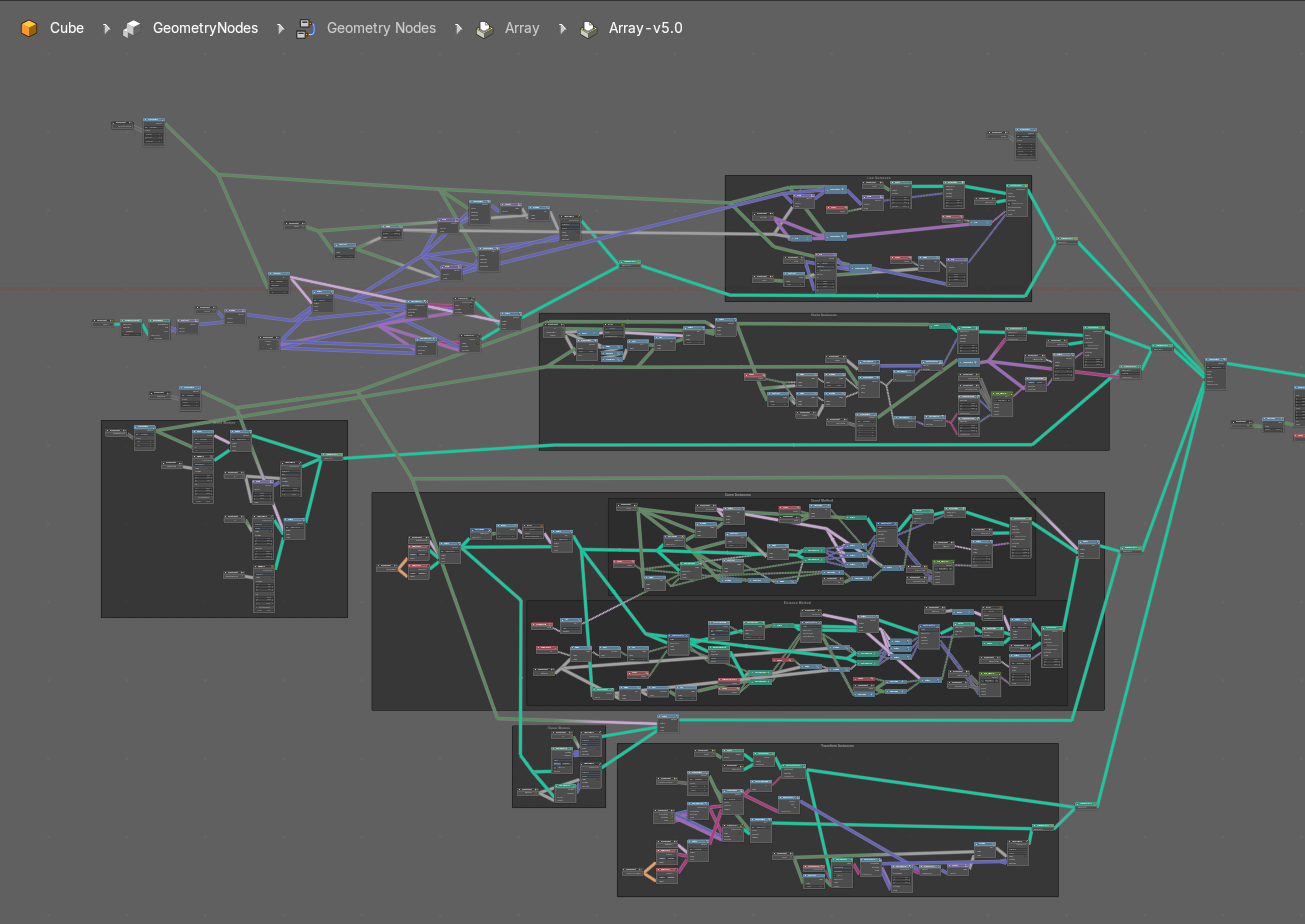
To leave the group you can use the breadcrumb up left in the header. These breadcrumbs are clickable. Or the Parent Node Tree button up right in the header.

Blend Hair Curves

Blends the shape between multiple hair curves in a certain radius together.
| Entry | What it does |
|---|---|
| Input | Geometry: The input geometry. · Factor: Factor to blend overall effect. · Blend Radius: Radius to select neighbors for blending. · Blend Neighbours: Amount of neighbors used for blending. · Preserve Length: Preserve the length of each curve during deformation. |
| Output | Geometry: The output geometry. |
Displace Hair Curves

Displaces hair curves by a vector based on options.
Input
| Entry | What it does |
|---|---|
| Geometry | The input geometry. |
| Factor | Factor to blend overall effect. |
| Shape | Shape of the influence along curves. 0 means constant. 0.5 means linear. |
| Object | The object to determine the displacement space. |
| Displace Vector | The vector for the displacement. |
| Surface Object | Surface object used to sample the normal for displacement. |
| Surface Geometry | Surface geometry used to sample the normal for displacement. |
| Surface UV Map | Surface UV Map used to sample the normal for displacement. |
| Surface Normal Displacement | Amount of displacement along the surface normals. |
Output
Geometry
The output geometry.
Frizz Hair Curves

Deforms hair curves using a random vector per point to frizz them.
| Entry | What it does |
|---|---|
| Input | Geometry: The input geometry. · Cumulative Offset: Apply offset cumulatively. · Factor: Factor to blend overall effect. · Distance: Overall distance factor for the deformation. · Shape: Shape of the influence along curves. 0 means constant. 0.5 means linear. · Seed: Random seed for the operation. · Preserve Length: Preserve the length of each curve during deformation. |
| Output | Geometry: The output geometry. · Offset Vector: The vector by which each point was offset during deformation. |
Hair Curves Noise

Deforms hair curves using noise texture.
Input
| Entry | What it does |
|---|---|
| Geometry | The input geometry. |
| Cumulative Offset | Apply offset cumulatively. |
| Factor | Factor to blend overall effect. |
| Distance | Overall distance factor for the deformation. |
| Shape | Shape of the influence along curves. 0 means constant. 0.5 means linear. |
| Scale | Scale of the noise texture by root position. |
| Scale along Curve | Scale of the noise texture along the curve. |
| Offset per curve | — |
| Seed | Random seed for the operation. |
| Preserve Length | Preserve the length of each curve during deformation. |
Output
| Entry | What it does |
|---|---|
| Geometry | The output geometry. |
| Offset Vector | The vector by which each point was offset during deformation. |
Roll Hair Curves

Rolls up hair curves, starting from their tips.
Input
| Entry | What it does |
|---|---|
| Factor | Factor to blend overall effect. |
| Subdivision | Subdivision level applied before deformation. |
| Variation Level | Level of smoothing on the roll path to include shape variation. |
| Roll Lenght | Length of each curve to be rolled |
| Roll Radius | Radius of the rolls. |
| Roll Depth | Depth offset of the rolls. |
| Roll Taper | Taper of the roll. |
| Retain Overall Shape | Offset the roll along the original curve to retain shape. |
| Roll Direction | The axis around each curve is rolled. |
| Random Orientation | Amount of randomization of the direction of the roll. |
| Seed | Random seed for the operation. |
| Preserve Length | Preserve the length of each curve during deformation. |
Output
Geometry
The output geometry.
Rotate Hair Curves

Rotates each hair curve around an axis.
| Entry | What it does |
|---|---|
| Input | Geometry: The input geometry. · Factor: Factor to blend overall effect. · Axis: Rotation Axis. The default is tangent at root. · Angle: Angle of rotation · Random Off: Random offset to the rotation angle per curve. · Lock Ends: Lock rotation to the axis between the curve ends. · Seed: Random seed for the operation. |
| Output | Geometry: The output geometry. |
Shrinkwrap Hair Curves

Shrinkwrap hair curves to a mesh surface from below and optionally from above.
| Entry | What it does |
|---|---|
| Input | Geometry: The input geometry. · Surface: Surface geometry used for shrinkwrap. · Surface Object: A surface object used for shrinkwrap. · Factor: Factor to blend overall effect. · Offset Distance: Distance of the surface to shrinkwrap. · Above Surface: Blend shrinkwrap for points above the surface. · Smoothing Steps: The steps of Smoothing applied after shrinkwrap. · Lock Roots: Lock the position of root points. |
| Output | Geometry: The output geometry. |
Smooth Hair Curves

Smoothes the shape of hair curves.
| Entry | What it does |
|---|---|
| Input | Geometry: The input geometry. · Amount: Amount of smoothing. · Shape: Shape of the influence along curves. 0 means constant. 0.5 means linear. · Iterations: Amount of smoothing steps. · Weight: Smoothing weight. · Lock Tip: Lock the position of tip points. · Preserve Length: Preserve the length of each curve during deformation. |
| Output | Geometry: The output geometry. |
Straighten Hair Curves

Straighten hair curves between root and tip.
| Entry | What it does |
|---|---|
| Input | Geometry: The input geometry. · Amount: Amount of smoothing. · Shape: Shape of the influence along curves. 0 means constant. 0.5 means linear. · Preserve Length: Preserve the length of each curve during deformation. |
| Output | Geometry: The output geometry. |
Trim Hair Curves

Trims or scales hair curves to a certain length.
Input
| Entry | What it does |
|---|---|
| Geometry | The input geometry. |
| Scale Uniform | Scale each curve uniformly to reach the target length. |
| Length Factor | Multiply the original length by a factor |
| Replace Length | Use the length input to fully replace the original length. |
| Length | Target length for the operation. |
| Mask | Mask to blend overall effect. |
| Random Offset | Trim hair curves randomly up to a certain amount. |
| Pin at parameter | Pin each curve at a certain point for the operation. |
| Seed | Random seed for the operation. |
Output
Geometry
The output geometry.