
































































Editors

Add Menu - Geometry - Material
Here you find nodes to modify the material.
Add menu - Geometry - Material
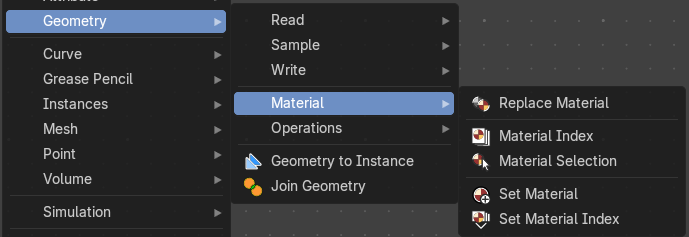
Here you find nodes to modify the material.
Replace Material.
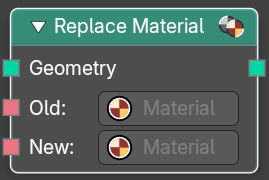
Sets the name of the target geometry.
| Entry | What it does |
|---|---|
| Inputs | Geometry: Geometry input. · Old: The material that you want to replace. · New: The new material that replaces the old material. |
| Outputs | — |
| Geometry | Geometry output. |
Material Index
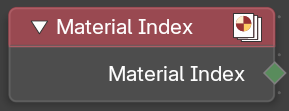
Retreive the material index.
| Entry | What it does |
|---|---|
| Outputs | — |
| Material Index | The material index. |
Material Selection
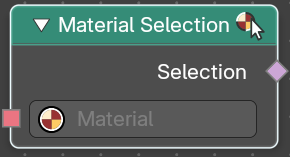
Select a mesh part by material.
| Entry | What it does |
|---|---|
| Inputs | Geometry: Geometry input. |
| Outputs | — |
| Material Index | The material index. |
Set Material
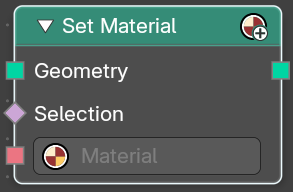
Assign a material to a selection.
| Entry | What it does |
|---|---|
| Inputs | Geometry: Geometry input. · Selection: The selection of the geometry. · Material: The material to assign. |
| Outputs | — |
| Geometry | The geometry with the new material assigned. |
Set Material Index
Set the material index of a selection.
| Entry | What it does |
|---|---|
| Inputs | Geometry: Geometry input. · Selection: The selection of the geometry. · Material Index: The material index to assign to the selection. |
| Outputs | — |
| Geometry | The geometry with the new material index assigned. |