

































































Add Menu - Attribute
The Attribute menu contains the attribute nodes. These nodes allows you to work with object attributes.
Add menu
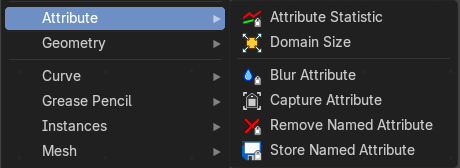
The Attribute menu contains the attribute nodes. These nodes allows you to work with object attributes.
Attribute Statistics
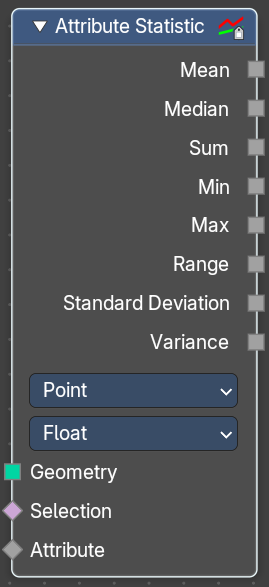
Retreive statistic values from the input mesh.
Inputs
| Entry | What it does |
|---|---|
| Geometry | Standard geometry input. |
| Selection | A selection of the geometry input. |
| Attribute | Attribute to get the statistics from. |
Properties
Domain Type
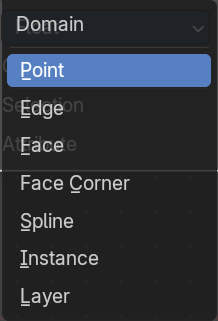
From which domain to retreive the data.
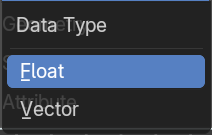
Data Type
What data type to use.
Float will output a single floating point value.
Vector will outupt a vector 3 with floating point values.
Outputs
Outputs the statistics for the different types.
| Entry | What it does |
|---|---|
| Mean | The average value of all data. |
| Median | The median value of all data. |
| Sum | The sum value of all data. |
| Min | The min value of all data. |
| Max | The max value of all data. |
| Range | The difference between the max and min value. |
| Standard Derivation | How much values differ from the mean. A low standard deviation indicates that the values are grouped tightly together at the mean. A high standard deviation indicates that the values are spread out over a large range. |
| Variance | The variance of all data, defined as the square of the standard deviation. |
Domain Size
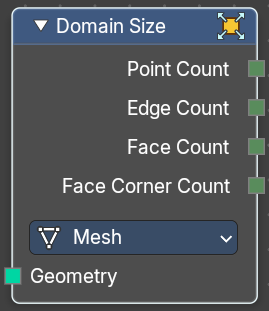
The Domain Size node has a single geometry input and a selection for the component type. And outputs containing single values for the related domains are shown, based on this chosen component.
Input
Geometry
Geometry input.
Properties
Component
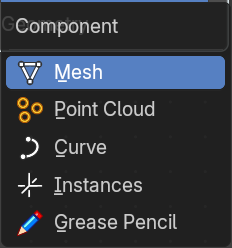
What component to calculate.
Output
With type mesh
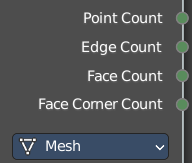
| Entry | What it does |
|---|---|
| Point Count | The point count of the mesh. |
| Edge Count | The edge count of the mesh. |
| Face Count | The face count of the mesh. |
| Face Corner Count | The face corner count of the mesh. |
With type Point Cloud
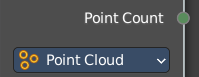
Point Count
The point count of the point cloud.
With type Curve
Point Count
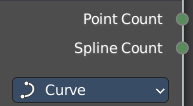
The point count of the curve.
Spline Count
The number of splines in the curve.
With type Instances
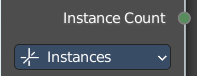
Instances count
How many instances the input geometry has.
Blur Attribute
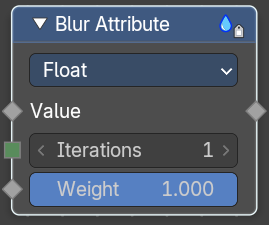
The Blur Attribute mixes values of neighbour elements.
Inputs
| Entry | What it does |
|---|---|
| Value | Name of the attribute that is used as input. It should be a float attribute with values between zero and one. |
| Iterations | How many times to blur the values for all elements. Weight Relative mix weigth of neighbouring elements. |
Properties
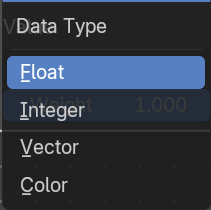
Data Type
What data type to use.
Outputs
Value
The output value.
Capture Attribute
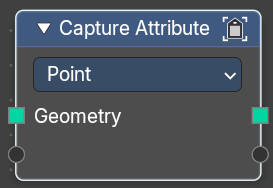
The Capture Attribute node stores the result of a field on a geometry, and outputs the data as a node socket so it can be used by other nodes.
The result is stored on the geometry just like a regular attribute with a name. But instead of referencing it with a name, it is retrieved whenever the socket is connected to the input of a node. Later on when evaluating the node tree, the attribute will be removed automatically if it is no longer used.
Inputs
Geometry
Standard geometry input.
Empty socket
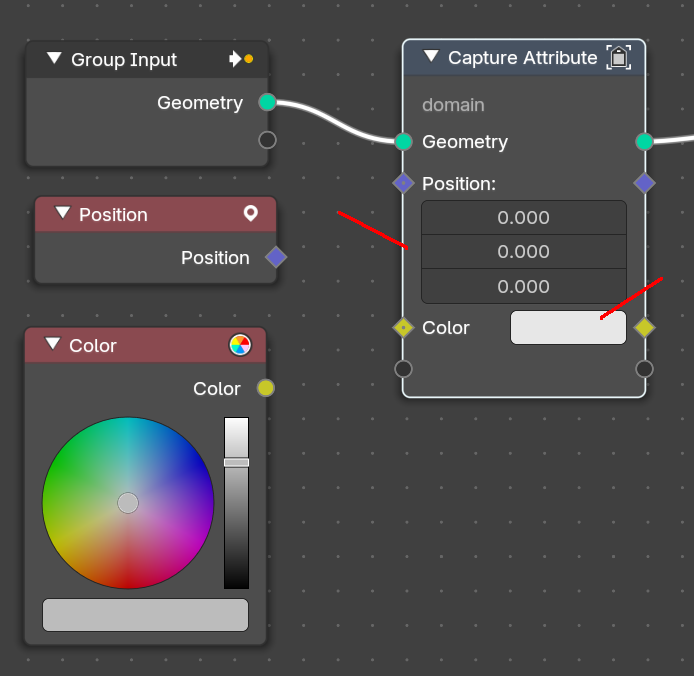
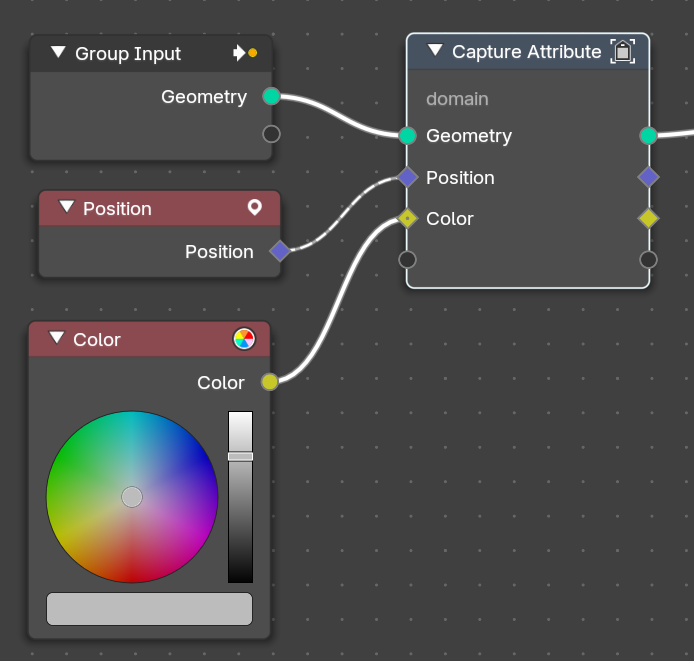
Connect a node to get its attribute. Note that adding a connection creates a new empty socket. Note also that further input and output settings depends of the input socket. For a position node you will get a vector numberfield. For a color node a color output when you disconnect the former connected socket types.
Outputs
| Entry | What it does |
|---|---|
| Geometry | Standard geometry output. |
| Attribute | Attribute output. |
Remove Named Attribute
Input
Geometry
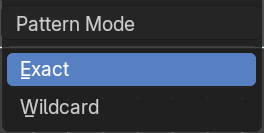
Geometry input.
| Entry | What it does |
|---|---|
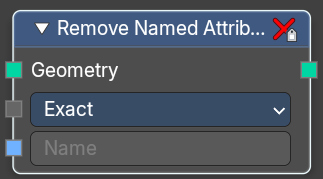
| Pattern Mode | How to choose the attribute to remove. |
| Name | The attribute name that you want to remove. |
Outputs
Geometry
The output geometry.
Store Named Attribute
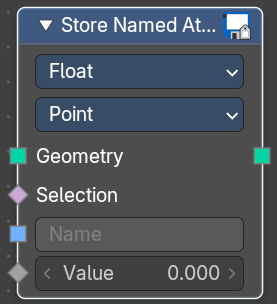
Puts the results of a field in a named attribute.
| Entry | What it does |
|---|---|
| Input | Geometry: Geometry input. · Selection: Selection input. · Name: The attribute name that you want to store. |
| Value | The value that is connected with the stored attribute. |
Properties
Data Type
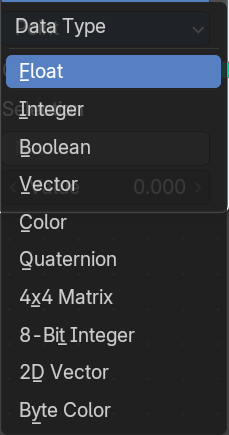
The type for the source and result data.
Domain
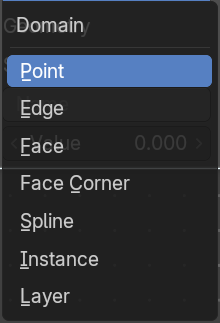
What element to use.
Outputs
Geometry
The output geometry.