Add Menu
Here you will find all the nodes that you need to create your geometry node trees. A click at one of the items will create the node in the workspace at the mouse position right under the menu. It is already selected,…
Add menu
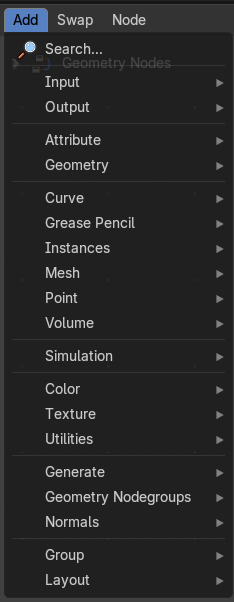
Here you will find all the nodes that you need to create your geometry node trees. A click at one of the items will create the node in the workspace at the mouse position right under the menu. It is already selected, and you can drag it around.
Add menu – Search...
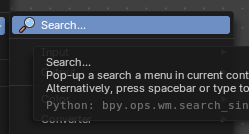
You can click on the search operator to bring up a Pop-up to search the Add menu where you can find specific node types in all categories.
To use, click on the operator or alternatively press spacebar or type in the term that you want to find.
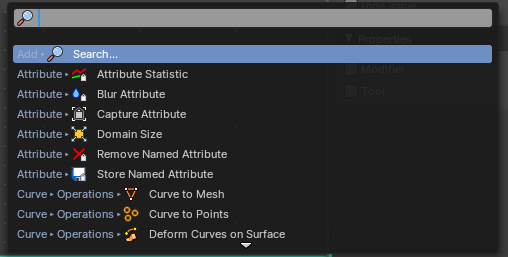
Note: You can call the add menu then immediately* *start searching at any time.
Add menu – Appending Node-groups
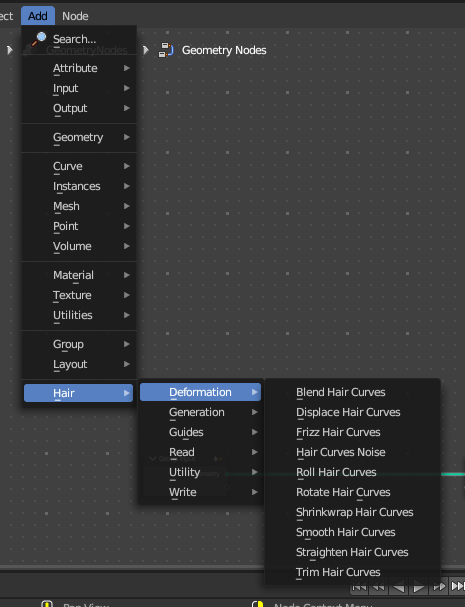
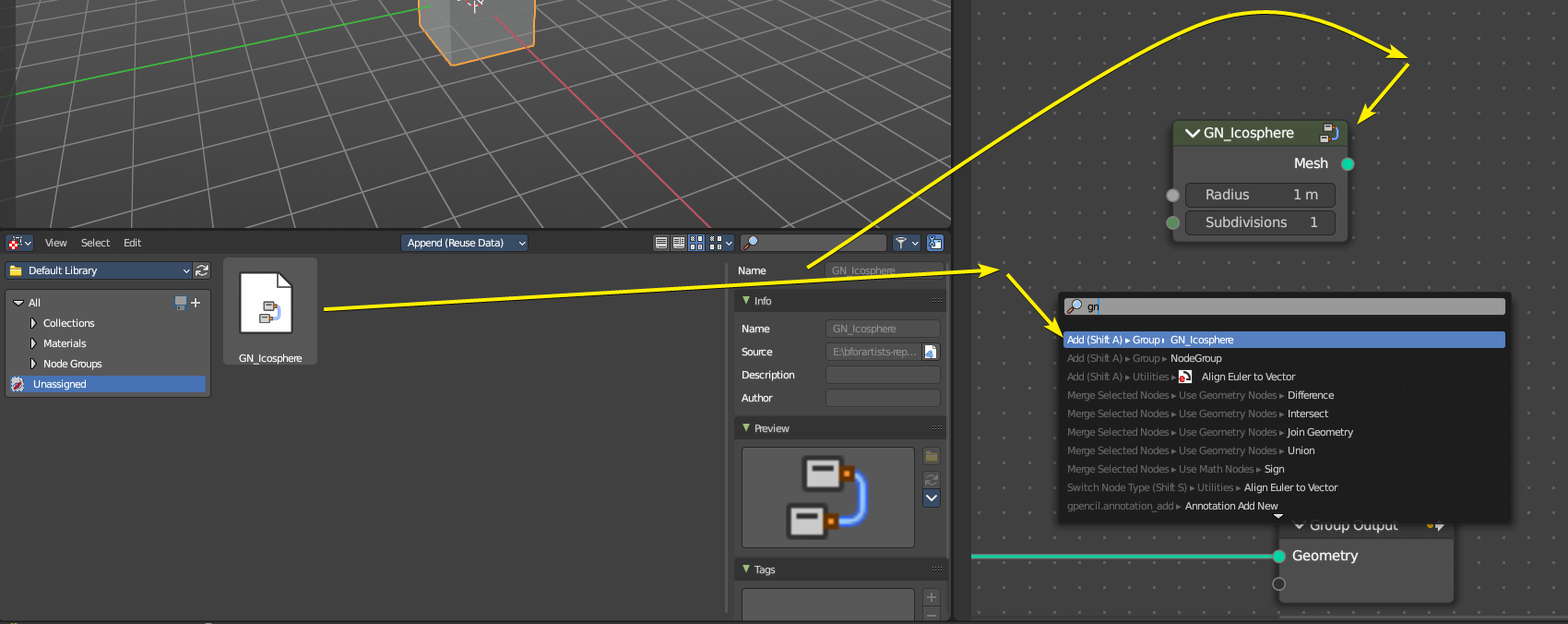
The add menu also dynamically loads and adds any and all node-groups listed in collective asset libraries. These are appended as new sub-menus based on the category label.
Loading these assets may take some time on first use.
All Geometry Nodes node-groups registered in the Asset Browser are listed at the end of this menu.
Note: Once a node-group from an asset library has been appended to the scene, they will list as a node-group datablock and can be accessed from the Relations tab in the Node Editor Property Shelf.
Add menu – Searching for Node-Groups
Alternatively, you can search for node-groups in the asset libraries using the search dialogue. They will also be listed in the search results.