
































































Editors

Driver Editor - Sidebar - View Tab
The green playhead at the top is the time cursor. The horizontal green line is called the cursor. Or ground line cursor. Together they are the 2d cursor.
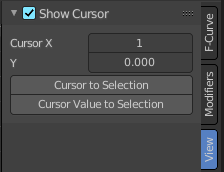
Show Cursor panel
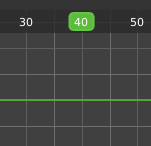
The green playhead at the top is the time cursor. The horizontal green line is called the cursor. Or ground line cursor. Together they are the 2d cursor.
| Entry | What it does |
|---|---|
| Show Cursor checkbox | Hides the green ground line cursor. |
| Cursor X | The frame position of the playhead cursor. |
| Cursor Y | The Y position of the ground line cursor. |
Cursor to Selection
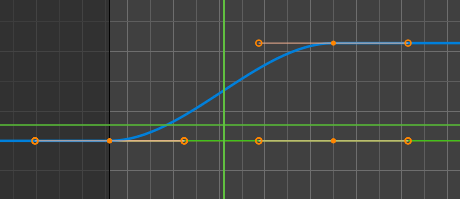
Sets both cursors to the center of the selection. This button also works when the ground line cursor is deactivated. In this case just the playhead cursor gets set to the center of the selection.
Cursor Value to Selection
Place the cursor value on the average value of selected keyframes.