

































































Channel Menu
This menu contains functionality to manage the channels in the channels list at the left.
Drivers Editor - Channel Menu
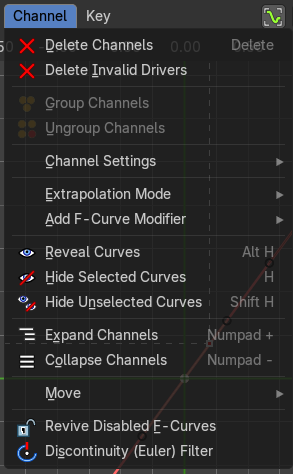
This menu contains functionality to manage the channels in the channels list at the left.
The menu doesn't exist in all modes. It exists in Dopesheet, Action Editor and Grease Pencil mode. And has different content.
| Entry | What it does |
|---|---|
| Delete Channels | Deletes the selected channels and all its keyframes. |
| Delete Invalid Drivers | Deletes invalid drivers. |
Group Channels
Creates a custom group from the selected channels.
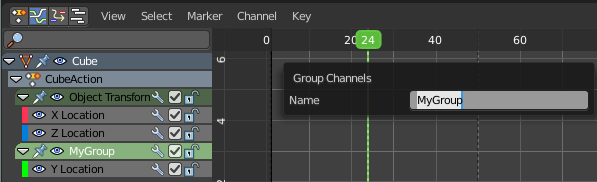
Ungroup Channels
Removes the selected channels from the group, and adds them back to the original hierarchy.
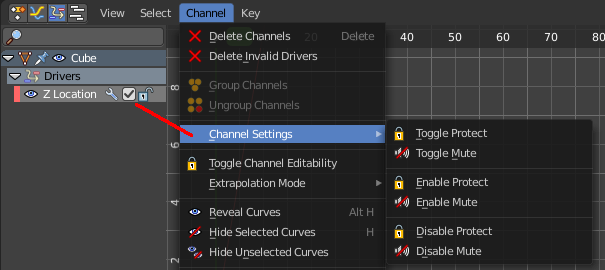
Channel Settings submenu
Adjust the locks and check boxes in the channels list from outside of the channels list for all selected elements at once. With Toggle Mute you could for example disable all selected channels at once.
The menu items should be self explaining.
Last Operator Toggle Channel Settings
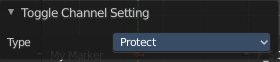
Type
The type to toggle.
Extrapolation Mode
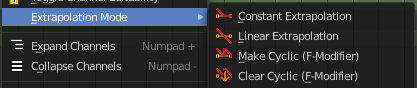
Sets the extrapolation mode for the selected F-Curves. Means how the curve acts at the beginning and the end of the F-Curve.
| Entry | What it does |
|---|---|
| Constant Extrapolation | The animation curve continues straight at the end. |
| Linear Extrapolation | The animation curve continues the last direction. |
| Make Cyclic | Makes the animation loopable. The interpolation curves are adjusted so that the first frame fits to the last frame. |
| Clear Cyclic | Removes the cyclic extrapolation. |
Last Operator Set F-Curve Extrapolation
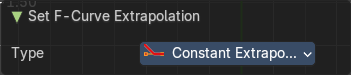
Type
Set the extrapolation mode for the selected F-Curves.
Add F-Curve Modifer submenu
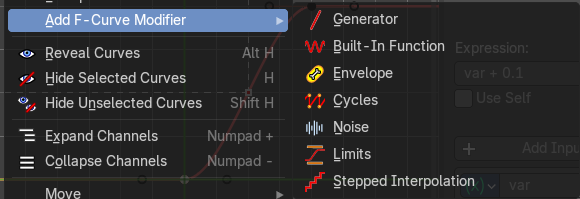
Add an F-Curve Modifier. The modifiers can be found in the Sidebar in the Modifiers tab then.
Reveal Curves
Reveals all hidden curves.
Last Operator Reveal Curves

Select
Select all revealed curves.
Hide selected Curves
Hides the selected curves.
Hide unselected curves
Hides the unselected curves.
Last Operator Hide Curves
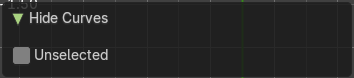
Unselected
Hide the unselected or selected curves.
Expand Channels
Expands all channels in the channel list.
Last Operator Expand Channels
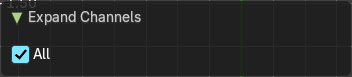
All
Expand all Channels, or just the selected channels.
Collapse Channels
Collapses all channels in the channels list.
Last Operator Collapse Channels
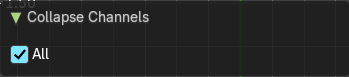
All
Collapse all Channels, or just the selected channels.
Move submenu
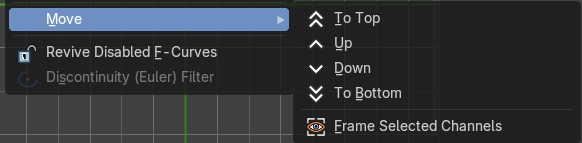
Sort the items in the channels list.
Frame Selected Channels
Zooms in or out to fit the selected channels into the view.
Last Operator Move Channels
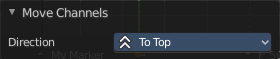
Direction
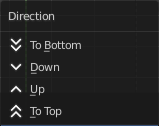
Sort the items in the channels list.
| Entry | What it does |
|---|---|
| Revive Disabled F-Curves | Clears the disabled tag from all f-curves to get broken F-Curves working again. |
| Discontinuity (Euler) Filter | Fix large jumps and flips in the selected Euler Rotation F-Curves. These can arise from rotation values being clipped when baking physics. |