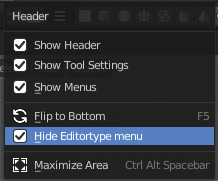
Header
The Header contains various menus, navigation elements, settings and tools for the viewport. The content of the menus may differ, dependent of the chosen renderer.
Compositor Editor - Header
The Header contains various menus, navigation elements, settings and tools for the viewport. The content of the menus may differ, dependent of the chosen renderer.
The header is divided into three areas. Left menus and modes. Centered is the compositing nodetree. Right settings.

Header Tabs

The tabs at the very left allows you to switch between the most important node editor types by one click. Compositor Editor, Geometry Nodes Editor and Shader Editor.
Header Modes
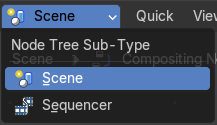
The compositor comes in two modes. You can either work at compositing for a rendered image. The scenes. Or do compositing for the sequencer. Animations.
The nodes and the compositing are the same. Just the input source is different.
Header right click menus
The general right click menu functionality is explained in chapter 6 Editors introduction.
Editortype Menu
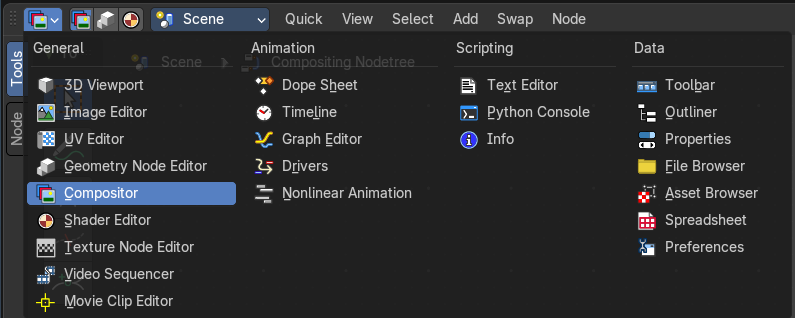
Bforartists is made of several editor types. Headers can display a menu where you can switch to other editor types.
This menu is hidden by default. It is meant to edit the layouts, and should not be necessary for regular work. You can reveal it in the header right click menu.