

































































Hair Curve - Sculpt Mode
In Sculpt mode with a hair curve object selected, you will find mainly brushes in the tool shelf. This mode is used for styling hair curves with various tools, including adding, combing and more.
Tool Shelf - Hair Curve - Sculpt mode

In Sculpt mode with a hair curve object selected, you will find mainly brushes in the tool shelf. This mode is used for styling hair curves with various tools, including adding, combing and more.
Hair Curve Sculpting is a process to deform hair strands by using brushes.
Annotate tools
The annotate tools at the end of the list are explained in the chapter 7.1.1 Editors - 3D View - Tool Shelf - Object Mode. We won't cover this tools again here.
Brush cursor
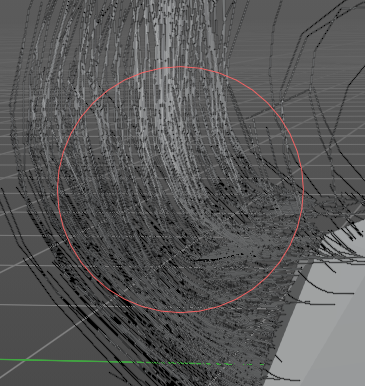
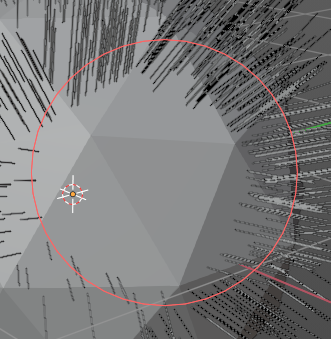
When you activate one of the brushes then the mouse cursor turns into a brush cursor. This cursor represents the size of the current brush.
Brush settings
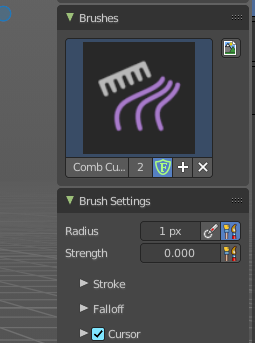
The different brushes settings can be found in the sidebar in the tools tab. Or in the properties editor in the Active Tool and Workspace settings tab. Or above the header area.
The different brushes settings in the Active Tool and Workspace settings are explained in the chapter 7.3.16 Editors - 3D Viewport - Sidebar - Tool Tab - Hair Curve - Sculpt Mode.
We won't cover this chapters again, but just explain what the different brushes do in this mode.

Hotkeys
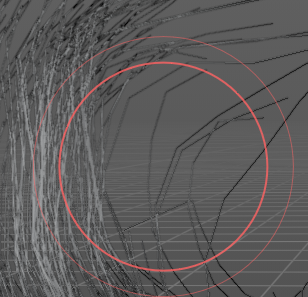
Pressing X allows you to change the brush size onscreen. Drag the mouse to increase or decrease the size. Left click applies the new size, right click cancels the resizing.
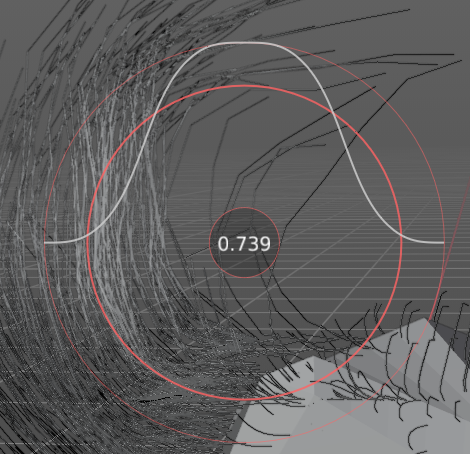
Pressing C allows you to change the strength of the brush. Drag the mouse to increase or decrease the size. Left click applies the new size, right click cancels the resizing.
Symmetry
Note that the sculpting mode starts with Symmetry off. You can turn this on per the desired axis from in the tool header.
Tool Shelf - Hair Curve - Sculpt mode - Brushes
Brush

Various brushes to modify the hair curves. From comb to smooth
Comb
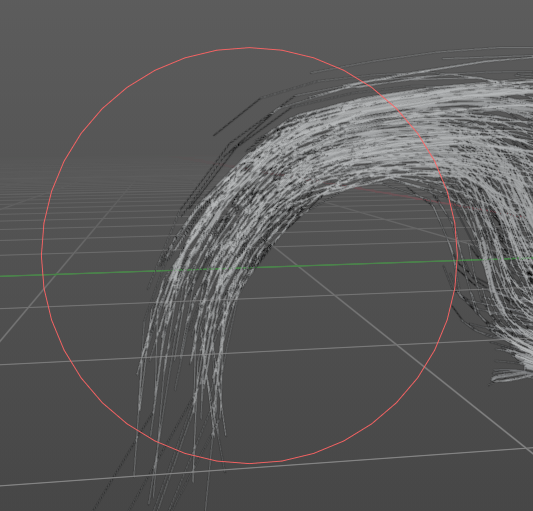
The comb brush acts like a true hair comb to pull strands at an angle. Click and hold it to pull strands with the comb.
Grow/Shrink
This brush grows existing hair or inversely shrinks it. Useful for extending hair without reshaping it.
Pinch
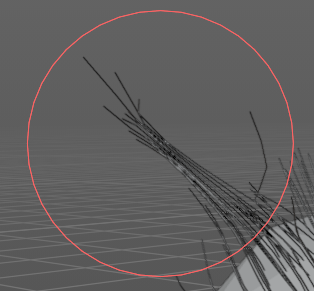
This brush pulls hair curves together towards the center of the brush. Useful for hair clumping.
Puff
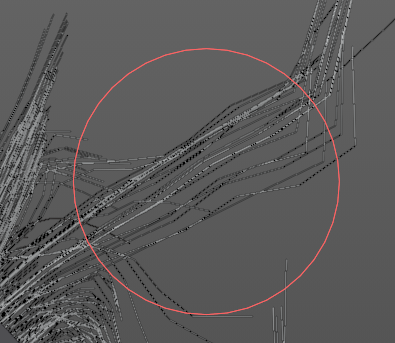
This brush pushes out the hair strand from the root by pushing a force on the tips. This is useful to add volume to hair.
Pull Tips
Pulls out the tips.
Slide
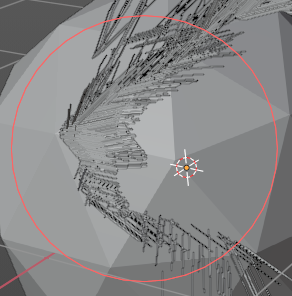
This is similar to the grab brush in Mesh Sculpt Mode, this pulls the root and control points of the hair curves over the surface to a new location.
Selection Paint
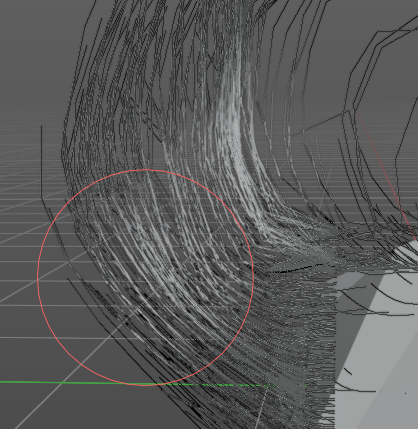
This brush draws a selection mask to aid in isolating strands. Isolated control points are lighter grey, and locked control points are dark grey.
Density
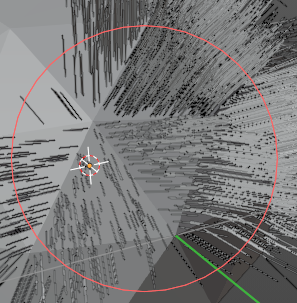
Adds more hair strands and increases the density.
Add
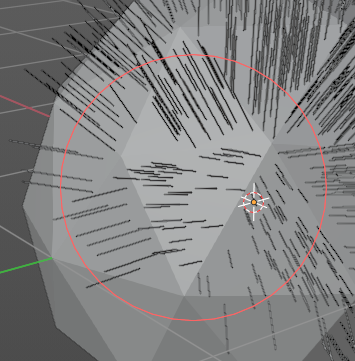
This brush adds hair strands at a set density onto the mesh. Useful for painting new hair. When you add an “Empty Hair” curve object, there will be no hair till you add strands.
Delete
This brush completely removes any hair curves from the surface.