
































































Editors

Grease Pencil - Weight Paint Mode
You can rig grease pencil strokes. And so you need a weight paint mode.
Tool Shelf - Grease Pencil - Weight Paint Mode

You can rig grease pencil strokes. And so you need a weight paint mode.
The brush settings are covered in the chapter Editors - Properties Editor - Tools Tab - Grease Pencil Object.
Brush
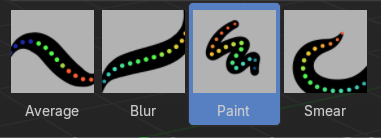
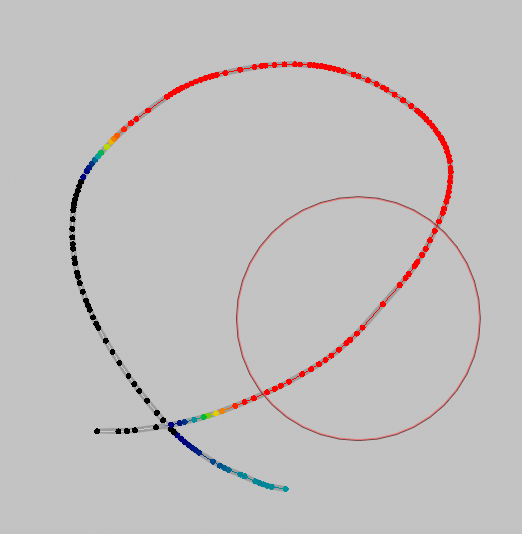
Draws a weight on a stroke. This draws to the active vertex group of the grease pencil. If there is no vertex group, it will automatically create one when drawing.
Allows you to weight paint the current stroke with the settings defined in the brush panel.
| Entry | What it does |
|---|---|
| Blur | Smooths out the weights of adjacent vertices of a grease pencil stroke. The strength defines how much the weights are blurred. |
| Average | Smooths weights by painting the average resulting value from all values under the brush. |
| Smear | Smudges weight by grabbing the values under the brush and “dragging” them over. |
| Annotate tools | The annotate tools at the end of the list are explained in the chapter 7.1.1 Editors - 3D View - Tool Shelf - Object Mode. We won't cover this tools again here. |