

































































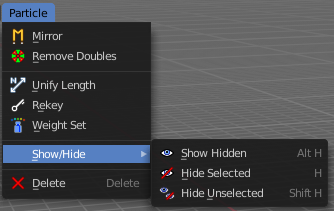
Particle - Particle mode - Particle menu
Mirrors the selected particles.
Particle Mode - Particle Menu
Mirror
Mirrors the selected particles.
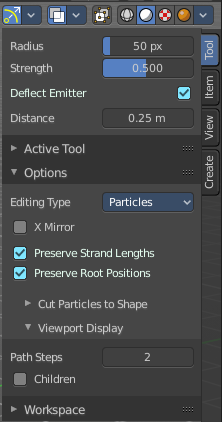
If you want a symmetrical haircut, first select all particles, then mirror the particles, then tick X Mirror in the Particle panel.
| Entry | What it does |
|---|---|
| Remove Doubles | Remove double vertices that are very close to each other. This can for example happen when you mirror the particles. |
| Unify Length | Unifies the length of the selected hair particles. The length is calculated by the average length of the selection. |
Rekey
You need to have some hair particles selected.

Rekey changes the number of keys for the selected particles, including root and tip keys. This tool brings up a popup where you can adjust the number of keys. Two means you have only a root and a tip key. Everything more subdivides the selected hair particle with more keys.
Weight Set
Manually set a weight for the selected keys to interpolate between the current key weight and the brushes weight.
Last Operator Weight Set
Factor
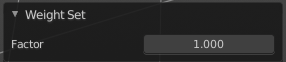
The strength of the keys weighting.
Delete
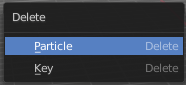
Delete either the whole particle, or just the selected key of the particle.
Show/Hide - Submenu
Show or hide the selected geometry
| Entry | What it does |
|---|---|
| Show Hidden | Makes all hidden geometry visible again. |
| Hide Selected | Hides the selected geometry. |
| Hide Unselected | Hides the not selected geometry. The selected geometry stays visible. |
Last Operator Hide Selected
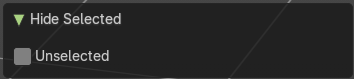
Each of the menu items uses the same Last Operator. With different strings for the booleans.
Unselected
Hide the unselected geometry instead the seleced.