

































































Grease Pencil - Draw mode - Draw menu
Set and show the active grease pencil layer. The layer with the pencil is the active layer for drawing.
Draw Mode - Draw Menu
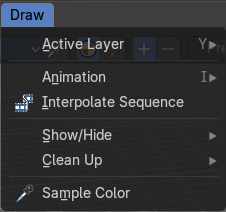
Active Layer

Set and show the active grease pencil layer. The layer with the pencil is the active layer for drawing.
New Layer
Add a new draw layer.
Animation
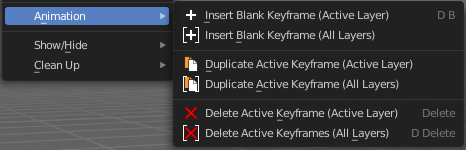
Insert Blank Keyframe ( Active Layer )
Inserts a keyframe into the active layer.
Insert Blank Keyframe ( All Layers )
Inserts a keyframe into all layers.
Last Operator Insert Blank Frame
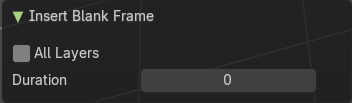
Some snap operations shows a last operation panel, some not.
| Entry | What it does |
|---|---|
| All Layers | Insert into active layer or into all layers. |
| Duration | The frame duration.* |
Interpolate Sequence
Interpolate strokes between the previous and next keyframe by adding multiple keyframes. When you are on a frame between two keyframes and click the sequence button, then a breakdown keyframe will be added on every frame between the previous and next keyframe.
Show/Hide
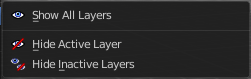
| Entry | What it does |
|---|---|
| Show all Layers | Makes all layers in the scene visible . |
| Hide Active Layer | Hides the active layer. |
Hide inactive Layers
Hides the not selected layers. The selected layers stays visible.
Last Operator Hide Layers
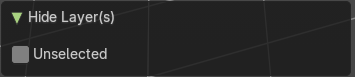
Unselected
Hides the not selected layers.
Clean Up
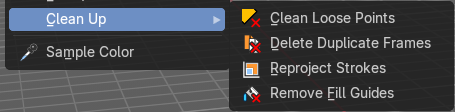
Clean Loose Points
Deletes not connected stroke geometry that is made of loose points.
Last Operator Clean Loose Points
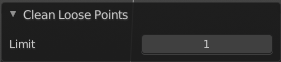
Limit
The number of vertices below which a stroke gets counted as a loose point.
Delete Duplicated Frames
Deletes all duplicated frames.
Last Operator Clean Duplicated Frames
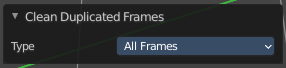
Type
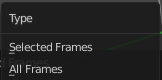
Delete just in the selected frames or in all frames.
Reproject Strokes
Re project the selected strokes onto a new plane from the current viewport. So that all strokes are on one plane.
Re project Strokes menu
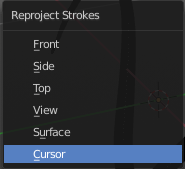
Using this tool opens a popup menu. Choose the projection type method.
Last Operator Re project Strokes
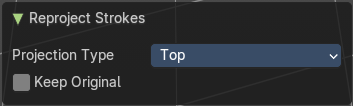
| Entry | What it does |
|---|---|
| Projection Type | A popup menu. Choose the reprojection Strokes type method again. |
| Keep Original | Keep the original stroke and create a copy before reprojecting. |
Remove Fill Guides
In Draw mode with the fill tool you are able to draw so called fill guide with holding down the Alt key. They act as the boundary of the fill area. This tool removes these fill guides.
Last Operator Remove Fill Guides
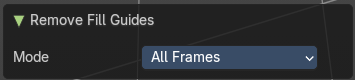
Mode
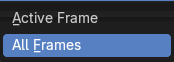
All frames or just the current frame.
Sample Color
Samples the color under the mouse