

































































Edit mode - Add menu
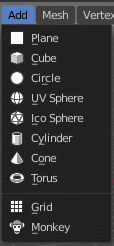
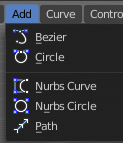
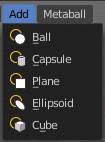
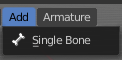
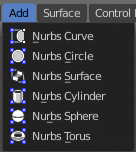
In Edit Mode you will see a add menu for some object types. The number of objects that you can add in edit mode is limited to the same object type that you are in edit mode with. You can just add mesh geometry to a mesh…
Edit Mode - Add Menu
In Edit Mode you will see a add menu for some object types. The number of objects that you can add in edit mode is limited to the same object type that you are in edit mode with. You can just add mesh geometry to a mesh geometry. And just curve geometry to curve geometry.
The added objects in edit mode becomes part of the current object geometry. It is one object.
Last Operator
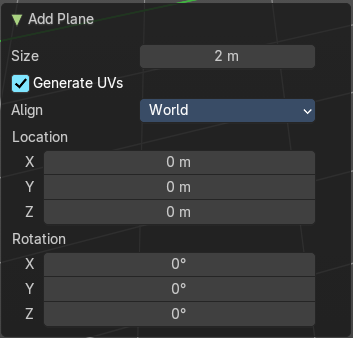
The last operators are the same than in object mode. Please read the add menu chapter in object mode.
Add menu – Type to Search
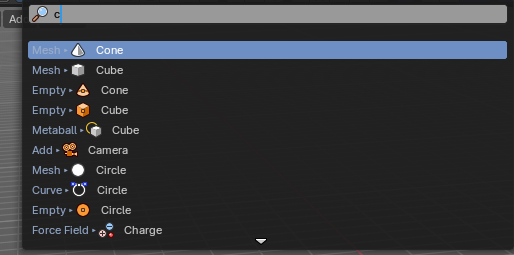
There is also a hidden search menu where you can search for specific object types in all categories with a key press when the menu is open.
Simply expand the add menu by clicking it, and start to type in the term that you want to find – this will automatically trigger the search.