





























































Bforartists 5.0.1
The Node Editor Upgrade Hotfix Version 🍝
Node Editor Upgrade hotfix: stability, smart asset updates and more compositor assets.
Blender 5.0.1 and 5.1.0
Convert rotation mode for animation
Convert keyframes between rotation modes with Ctrl R.
Geometry Nodes for volumes and curves
Rasterize Points, Poisson Solver and Construct Curves.
EEVEE lighting nodes and panoramic cameras
Toon shading and lighting effects, plus equirectangular, fisheye and mirror ball cameras.
Compositor effects stack and Bundle nodes
Effects organised as a stack, with grouped data handling.
Smarter scene strips
Scene strips update their length on their own, and many datablocks drop straight onto the timeline.
OpenTimelineIO
Import and export edits to and from other editing software.
Ripple editing in the Sequencer
Ripple, Shuffle and Overwrite overlap modes (R, S, V), Ripple Trim and Ripple Delete.
Comment node
Annotate node trees, with Markdown formatting.
Custom Outliner sorting
Arrange objects anywhere in the Outliner.
Sidebar Search
Find any property or operator in any editor's sidebar, add-on tabs included.
Easier extensions
Legacy pre-downloaded extensions install and uninstall in fewer clicks, and the Asset Libraries filter has an icon.
Clearer themes
Node highlights stand out more, and curve handle colours are easier to read.
Cleaner menus
Double entries are gone (Import FBX, Link to Scene, Snap, Implicit Conversion). Pose and Weight Paint get Show/Hide submenus, and tool shelves follow the Add menu order.
30+ new node icons
New Geometry Nodes, Shader light nodes and Compositor nodes get icons and tool shelf entries: Comment, XPBD Solver, Construct Curves, Rasterize Points, Grid Solve Poisson, Combine List and the Bundle nodes.
Ripple Delete, lasso select and tidy footers
- Ripple Delete closes the gap when a strip goes.
- Lasso select uses the same hotkeys as the other editors.
- Keyframing tools sit together in the Timeline footers, with matching frame range icons.
Edit scene strips right in the Dopesheet
Scene strips get gizmos in the Dopesheet: drag their edges to change the frame range, without opening the Sequencer.
Roll the view from the navigation gizmo
Drag left or right on the navigation gizmo to roll the view. An angle readout follows the drag, so a tilt is easy to undo.
Roll buttons and a hotkey sit in the 3D View sidebar too.
This point version is a stablity and hotfix release focused on new Compositor assets that come out of the box, new smart asset updates and apply operators, and much much love to the node editors.
This is part of all the latest from Blender 5.0.1 and 5.1.0 to the date - with 53 new fixes and polish with much stability from Blender!
⚠️ Warning: *.BlendFile formats from this version onwards will not be backwards compatible with earlier versions of Blender 4.5.x or Bforartists 4.4.x. It's a one way trip!
What's new
- Fixed the export/import unusable File dialogue when using the Bforartists hotkeys
- More Icons in data types in Geometry Nodes Selectors
- Fixed instancing options from the Asset Shelf drag and drop
- Fixed Dopesheet missing operators
- Fixed Hotkey dropdown icon
- Cleaned up the Node Editor Sidebars to be consistent with Add menu
- Cleaned up the Preferences NDOF settings
Additional Features from this Blender 5.0.x and 5.1.x series
- New Bone Info node for Geoemtry Nodes
And many bug fixes more!
And also, thanks again for all art, love, feedback and help for making the Bforartists community what it is today! Without your feedback and support, this wouldn't be possible
- Bforartists-5.0.1-Linux.tar.xz
- Bforartists-5.0.1-Mac-Silicon.dmg
- Bforartists-5.0.1-Windows.zip
- Bforartists-5.0.1-x86_64.AppImage
- bforartists_5.0.1.deb
- Install_Bforartists5_501.exe
- releasenote_bforartists5_501.txt
Preferences
- Save & Load > Blend Files - Set Load UI to default off #6053
- Interface - Set Python Tooltips to default On #6036
- Extensions - Filter former filter panel missing, update new one #6022
- Input - Hide inactive properties instead of greying it out #6032
- Input - Indent properties under Show Guides and Orbit Center #6033
- Input - Float checkboxes under NDOF left #5976
- Input - Various broken properties in NDOF panel #6031
- Navigation > Fly & Walk > Walk - Fix abnormally sized Horizontal Lock checkbox #6015
- Default Node background colors to something discoverable #6011
Node Editor
- Group Sockets UI - Make "New Item" popover more compact #6042
- Sidebar > Group > Group Sockets - Fix outdated UI on Panel Toggle subpanel #6043
- Sidebar > Group > Group Sockets - Align Layer Selection property left #6020
- Sidebar > Group > Group Properties - Use split layout for non-boolean properties #6019
- Add icons to the "Drag Off" search menu #5978
- Sidebar - Group tab > Group Sockets > Vector socket type - Split labels for Min and Max properties #5990
- Sidebar - Group tab > Group Sockets - Use split layout for enum properties #5991
Geometry Nodes
- Add Bone Info node to Add Sidebar #6023
- Store Named Grid node - Add socket icons to data type dropdown #6003
- Add socket icons to users of `rna_enum_attribute_type_items` #6047
- Group Input/Output Node > Node > Properties - Fix unknown operator node.interface_item_new #6035
- Sidebar > Group > Group Sockets - Hide unused properties instead of greying out when Layer Selection is active #6029
- Sidebar > Group > Group Properties - Hide Show Manage Panel instead of greying it out #6027
Properties Editor
- Modifier tab - Geometry Nodes Modifier - Add keyframing decorator for menu inputs #6063
- Modifier tab - Geometry Nodes Expanded Menu - Missing label #6060
- Remove duplicated Scene and View Layer selector #6001
- Workbench Renderer - View Layer > Passes - Align props left #5983
Default Library
- Compositor Asset - Linear Gradient has a missing socket #6005
- Make the library use a central library area to make future products better integrated #6009
- Smart Mesh Blend by Proximity - Default to not use the material overrides out of the box #6008
Compositor
- Add Sidebar - Add "Creative" Tab and panel #6055
- Add Sidebar - Sync and fix Color group #6054
Sequencer
- Preview - Header - Add missing Snapping dropdown #5998
- Effect Strips - Swap Effect menu could be pulled up and iconized #5113
Workspaces
- Make the animation controls visible again #5711
- Make the sequencer workspaces use the footer timeline as per default #5920
UV Editor
- Header > UV > Move on Axis - Separate tooltips for Move on Axis operator #5960
- Sidebar > Image > UV Vertex - Use split layout for UV vertex location #5962
Other
- Fix: Crash with adding a color attribute in shader editor #6037
- Fix: Crash with switching from radial to UV Map in the tangent node in the shader editor #6050
- Fix: 5.0.0 Export FBX "No asset in context" - Hotkey conflict with pose apply in File Browser context #5997
- Default Library Addon - Add better way to install/uninstall to fix not seeing it install libraries #6059
- Presentation Slides Addon - Fix hard crash when dragging cursor to last frame #6058
- Essentials Assets - Add versioning notes #5807
- Refactor: Node Editor - Group Sockets UI - Port Python code to C++ #6041
- Dopesheet - Action Editor mode - Remove redundant push Down Action and Stash Action #6039
- Fix: Dopesheet - Action Editor Mode - Missing Action Layer Next buttons #6010
- Fix: Preferences - Keymap - Dropdown arrow is the wrong icon #5993
- VSE - add hotkey T to show and hide the toolbar #2601
- Image Editor - Sidebar > Image Tab > UDIM Tiles > Add Tile to Image dialog - Align Fill property left #5938
- Outliner - Colored collection should default to ON #4817
- Grease Pencil - New layer should have "Lights" turned off and make label more descriptive #5977
- Fix: 3D View - Asset Shelf - Drag in as instance property no longer working #5984
- Shader Nodes and Compositor - Sidebar - Group tab > Group Sockets - Align Optional Label property left #5989
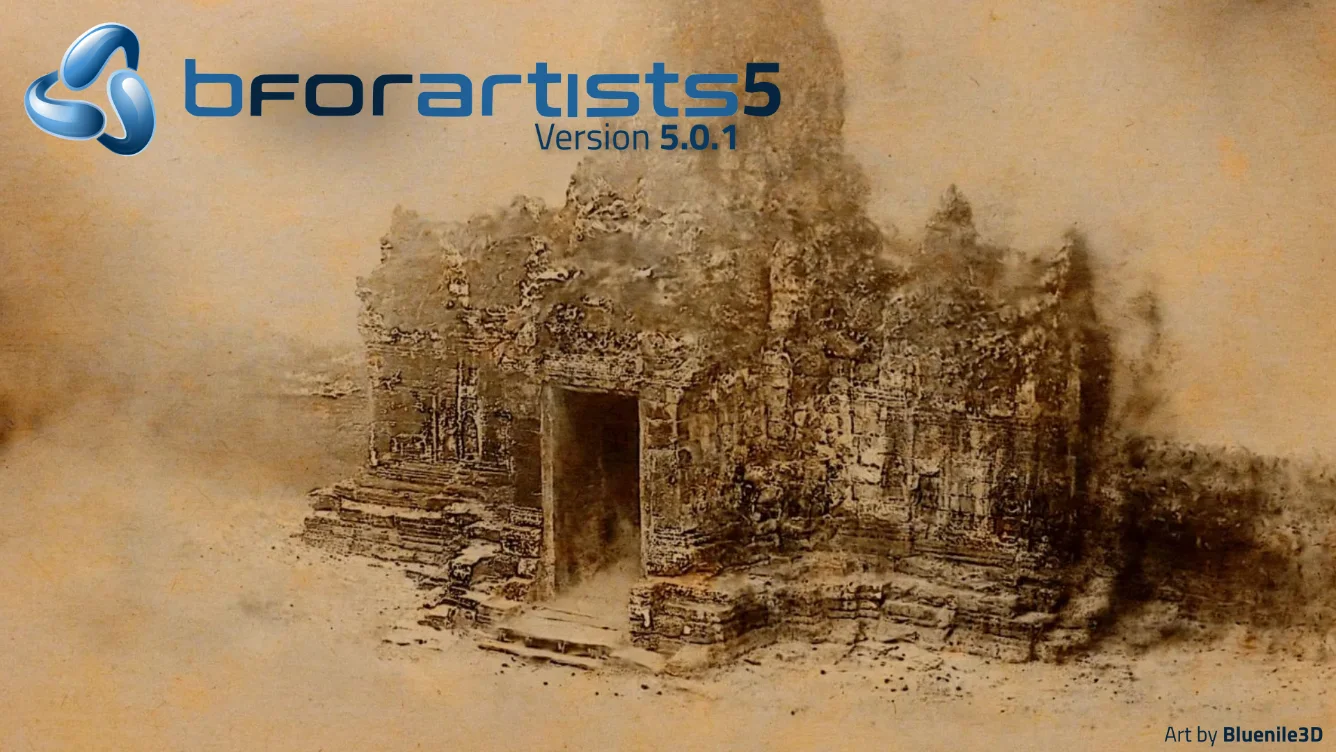
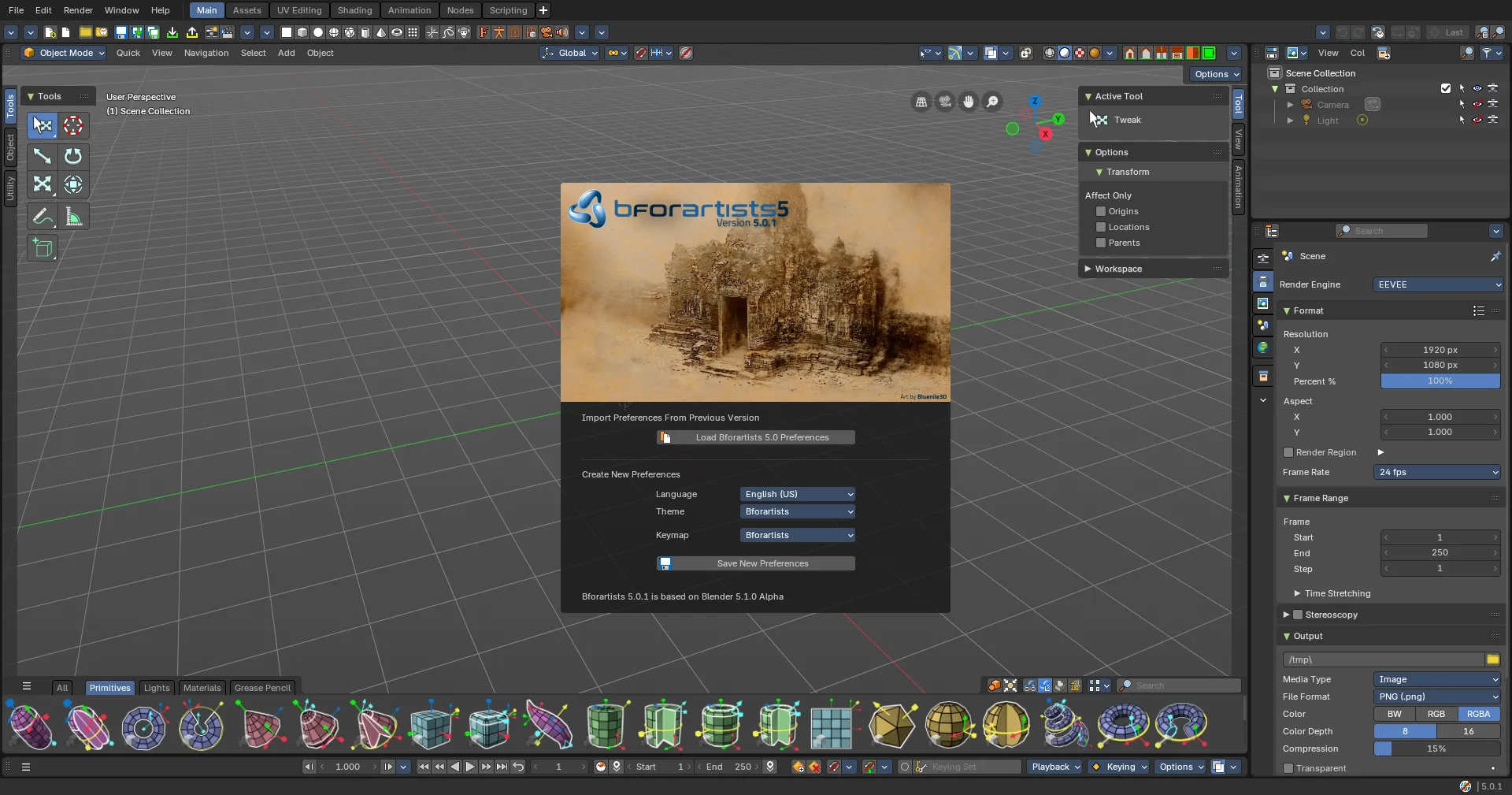
Splashscreen is kindly provided by Bluenile3D, the latest winner of the Splashscreen submissions competition hosted in the Discord server! Thank you!
Draise, Reiner, Blenux (Juso), Znight (Trung Pham), Quackers, Eyad, Sean and all you arty supporters